How to replace battery for your Xhrose Key Tool Plus if the original battery is damaged?
Check the method below.
Compatible Battery: XHORSE XDKP00EN Battery (for VVDI Key Tool Plus Full & VA Versions).
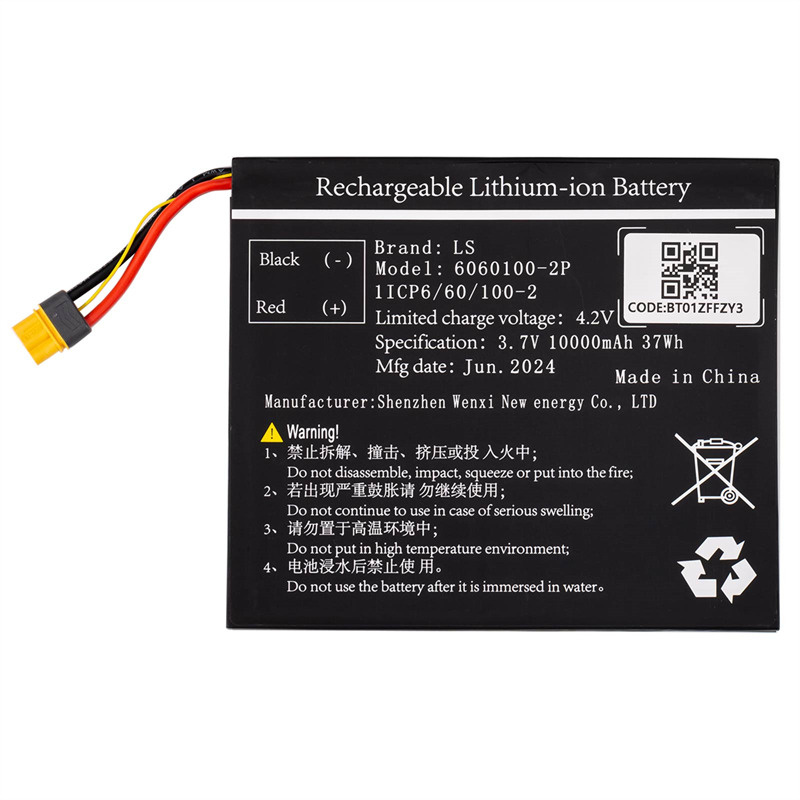


- Install & Update
Photograph the new battery’s label.
Insert the battery into the device.
Update the APP to the latest version.
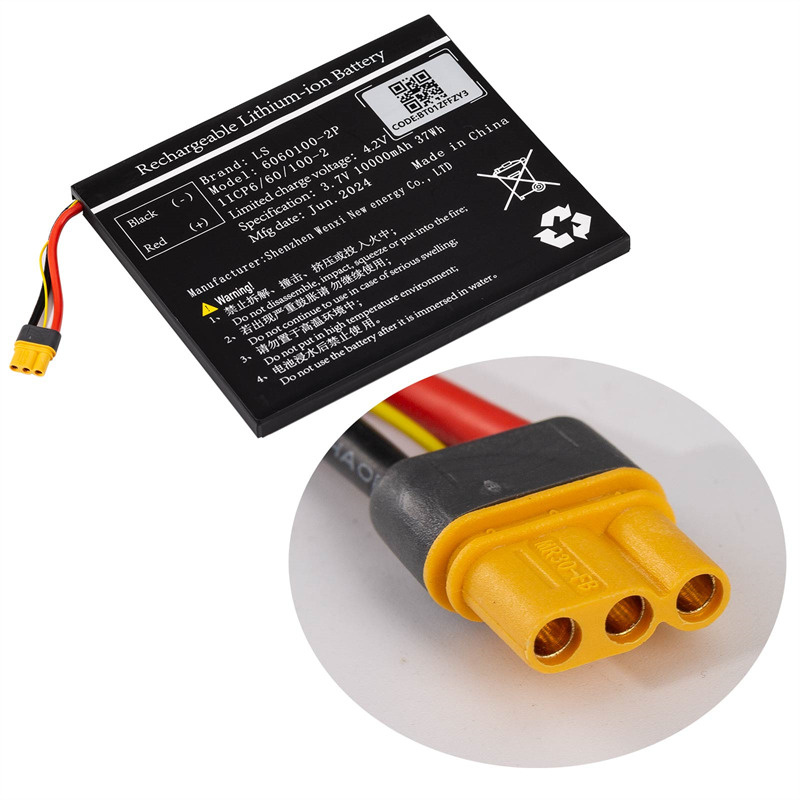
- Initialize in App
Go to Settings > Battery Initialization in the VVDI Key Tool Plus app.
Enter the code from the battery label.
- Confirm Completion
Follow prompts. A “Battery Initialization Success” pop-up means you’re done.
Contact us to purchase the new battery.
Email: sales@XhorseTool.com
WhatsAPP: +86 133 4342 1783
Business Time: Monday – Friday, 8:30am – 6:00pm CST (UTC/ GMT+08:00)


