To connect Xhorse Multi-Prog programmer to an SOP44 adapter (such as the VH24 or VH30 adapter board), you need to swap the internal default adapter board inside the device.
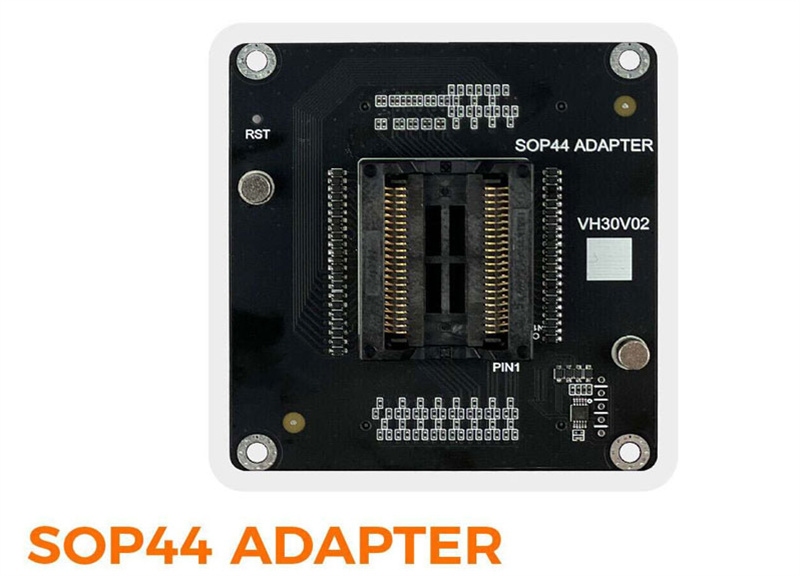
Step-by-Step Connection Guide
1.Open the Device:
Remove the magnetic shield on the top of Multi-Prog unit.
Unscrew the four screws securing the default VH13 interface adapter board that comes pre-installed.
2.Remove Default Adapter:
Gently pull up on the pins of the VH13 board to detach and remove it from the internal slot.
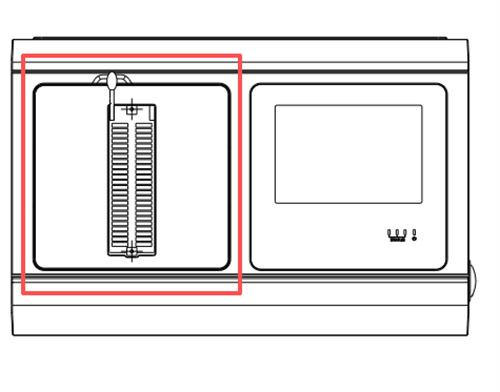
3.Solder the Chip: Solder your target SOP44 flash memory chip (e.g., AM29F400BB) onto the designated pinout position on the SOP44 adapter board.
4.Install SOP44 Adapter:
Insert your SOP44 adapter board (like the VH24 or VH30) into the slot of Multi Prog
Ensure it is firmly connected and properly aligned in the upper-left corner of the socket area.
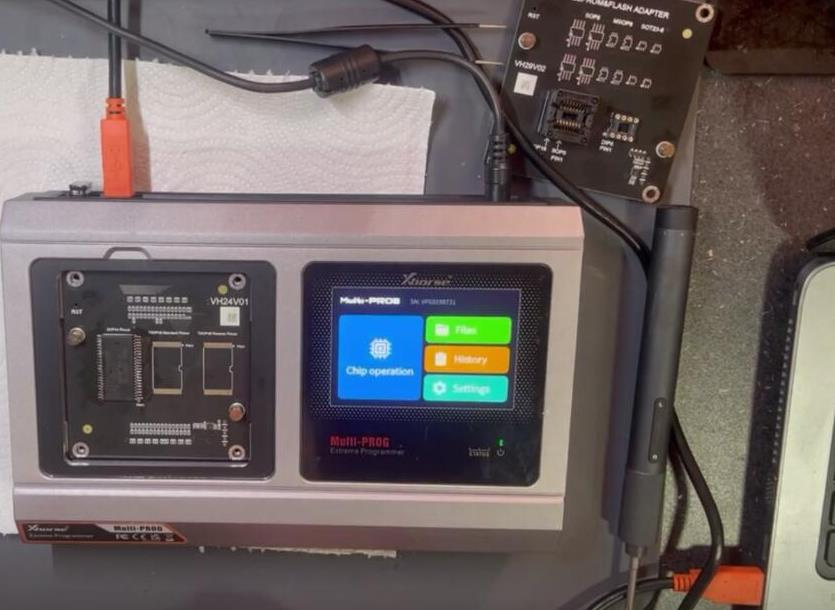
5.Reassemble Shell: Put the magnetic shield and housing back securely.
Learn more:
How to Read and Write SOP44 Flash Chip with Xhorse Multi-Prog?


