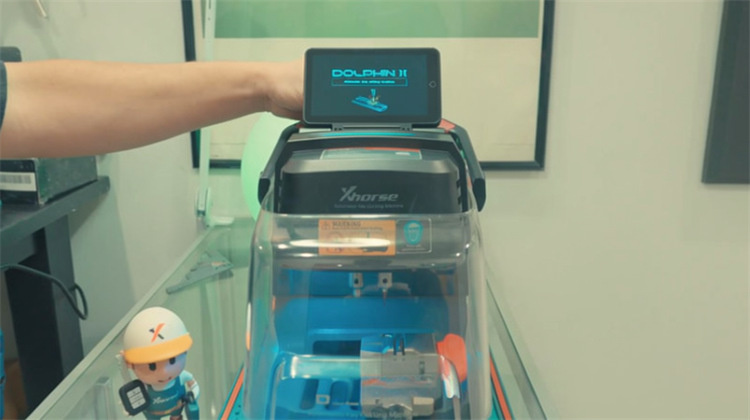
This step-by-step tutorial explains how to replace a dead or faulty battery in your Xhorse Dolphin II XP-005L key cutting machine. Follow these instructions to safely remove the old battery pack, install the new one, and reassemble the unit.
Tools Required
- Xhorse Dolphin II (XP-005L)key cutting machine
- 5 mm hex Allen key
- Replacement battery pack
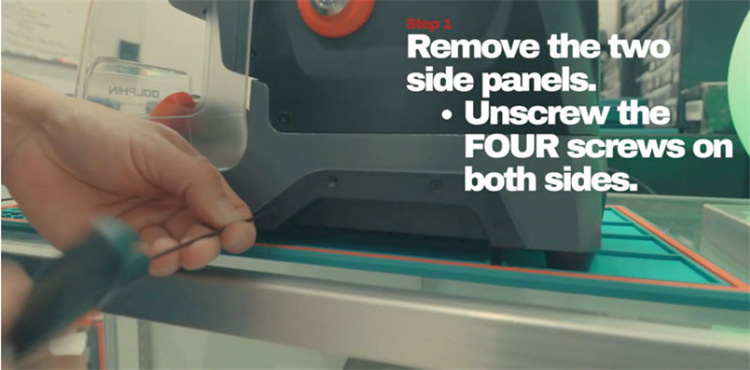
Step 1: Remove Both Side Panels
- Use the 2.5 mm hex key to loosen and remove the screws holding both side covers in place.
- Take off the side panels and keep the screws together in a safe spot for reassembly.
Step 2: Open the Bottom Cover
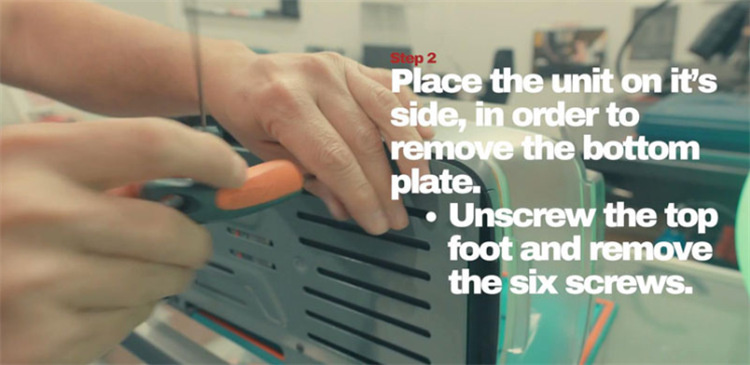
- Carefully turn the machine onto its side.
- Remove the top rubber foot on the front side, then unbolt the six screws holding the base cover.
- Lift the base cover off to reveal the inner battery compartment.
Step 3: Remove the Old Battery
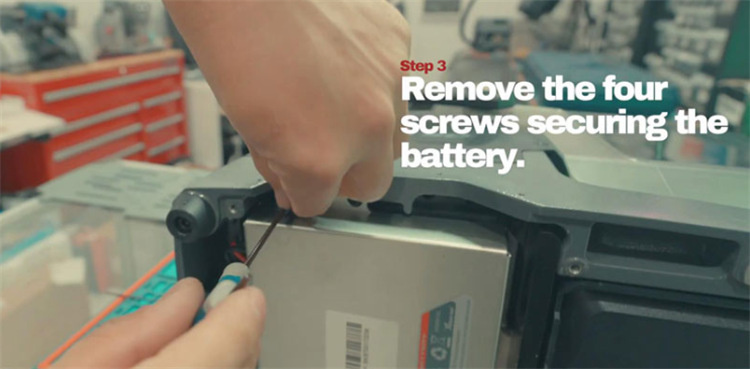
- Remove the four mounting screws holding the battery in place (two located at the top and two at the bottom).
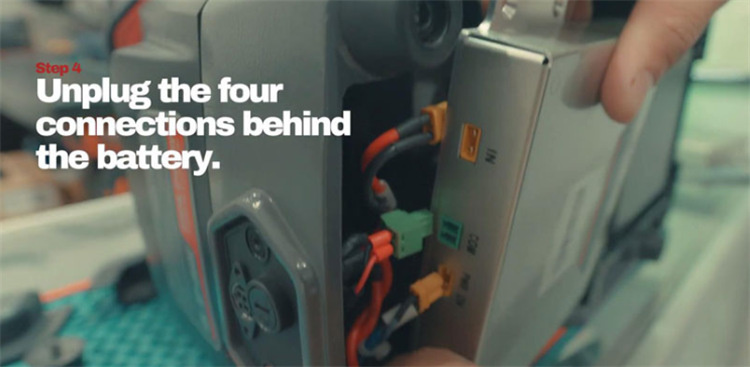
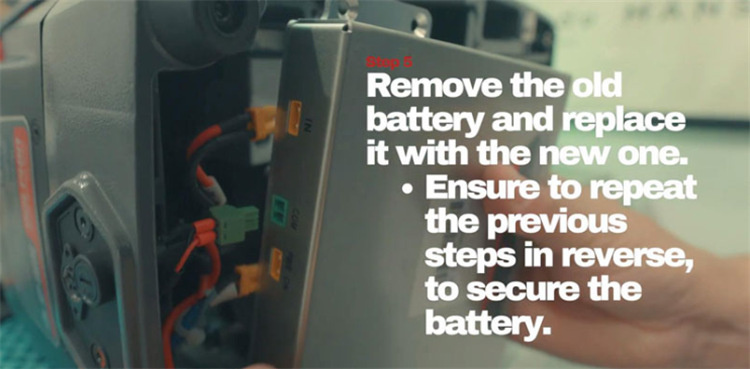
- Unplug the four electrical connectors behind the battery, then lift the old battery out of the machine.
Step 4: Install the New Battery
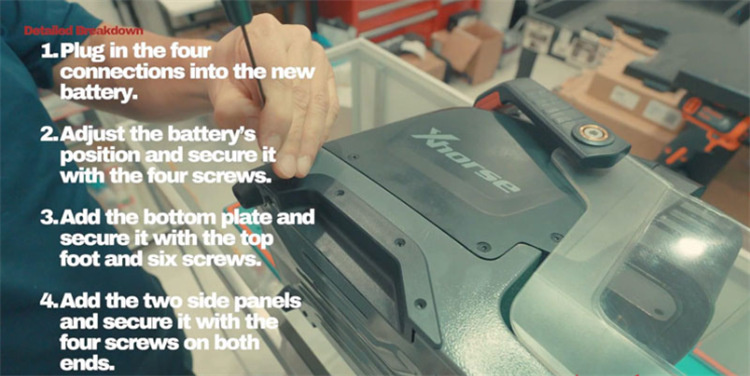
- Plug all four connectors firmly into the replacement battery before placing it inside the housing.
- Align the battery in its compartment and reinstall the four retaining screws.
- Tip:Start by threading the top screws first to hold the battery steady, then tighten all screws snugly without over-tightening.
Step 5: Reassemble the Machine
- Reattach the base cover and front foot pad. Fasten the six base screws, starting with the top ones to keep the cover aligned.
- Reinstall both side panels and secure them with their corresponding screws.
Step 6: Test and Verify
Power on your Dolphin II XP-005L
Confirm that the machine boots up smoothly and that the battery status indicator shows a full or nearly full charge.