When a BMW 12V LG lithium battery (equipped with an SPC5604B microcontroller) enters protection or lockout mode, the battery cells may hold a full charge while the internal relay refuses to engage—resulting in zero voltage at the output terminals.
Using Xhorse Multi Prog Programmer, you can read and write the Battery Management System (BMS) memory to restore normal output. However, the programmer does not clear the fault automatically; you must manually repair or replace the locked flash data.
Key Questions & Technical Answers
- Can Multi Prog reset the BMW 12V lithium BMS?
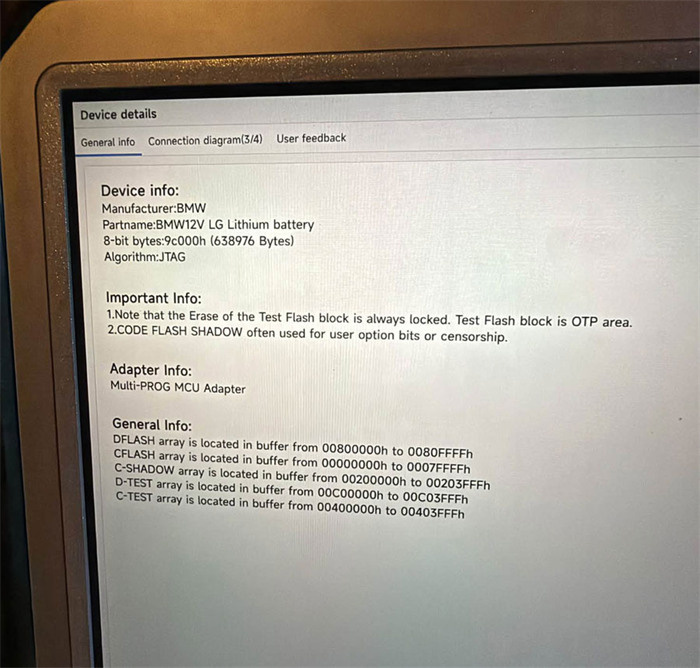
Yes. Multi-Prog supports reading and writing both C-Flash and D-Flash memory on the SPC5604B microcontroller inside the BMW 12V battery module.
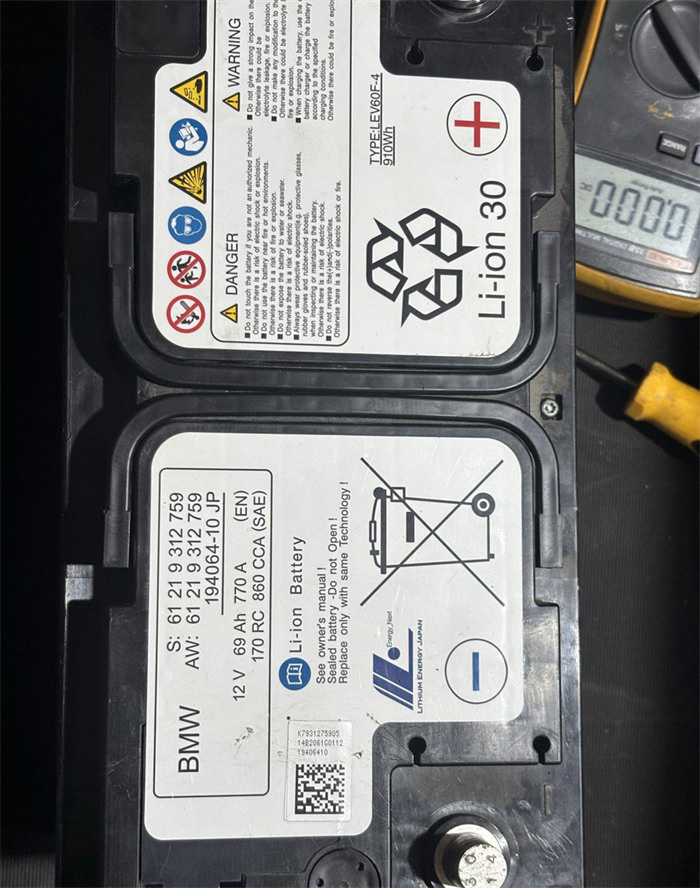
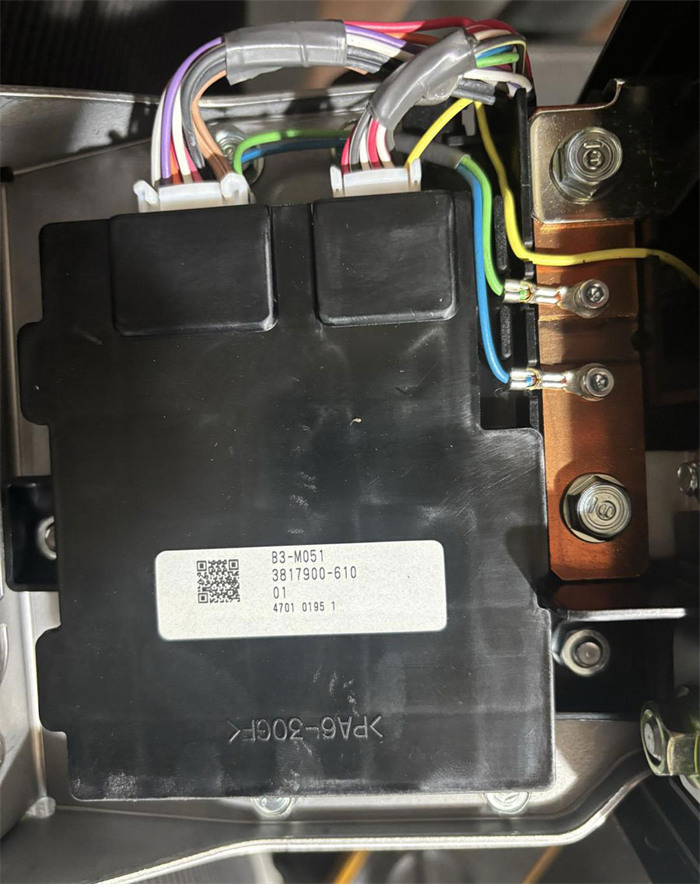
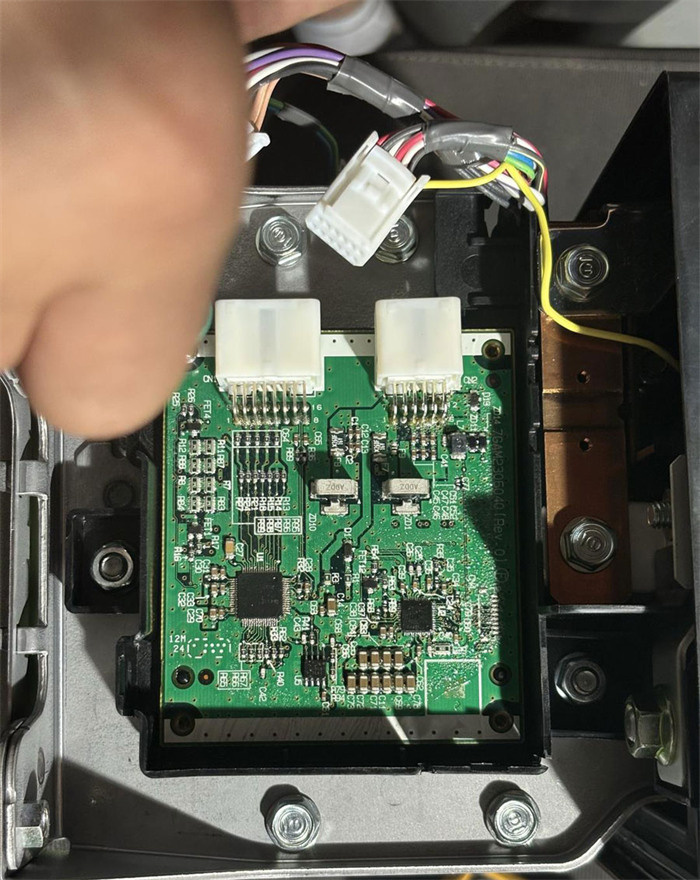
- Does it have a one-click reset function?
No. Multi Prog acts as a memory programmer—it does not modify or clear the lockout data automatically.
- What data needs to be changed to unlock the relay?
You must repair the corrupted/locked C-Flash or D-Flash dump file (or obtain a known-good unlocked file) and write it back to the BMS module.
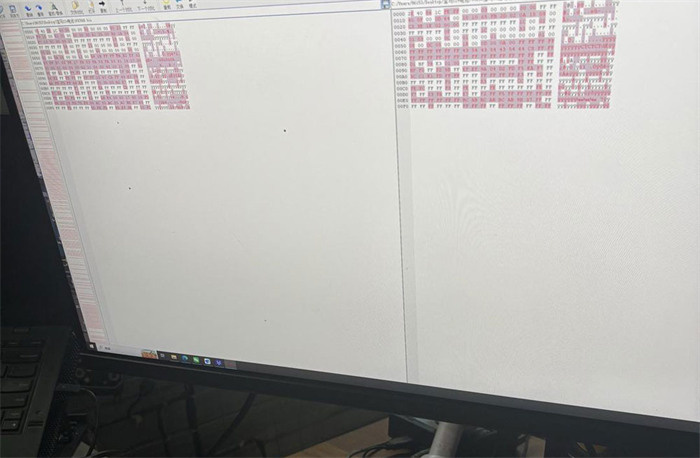
Step-by-Step Recovery Procedure
- Read Original BMS Data:
Connect your Xhorse Multi Prog to the BMW 12V lithium battery BMS board (SPC5604B MCU) and read both the C-Flash and D-Flash data. Save backup copies of the original files.
- Repair or Replace the Locked File:
Edit the saved dump file to clear the protection/lockout flags, or source a verified, unlocked data file matching the module. If you do not have data-editing software, seek a specialized repair service to modify your original readouts.
- Write Unlocked Data Back to the BMS:
Load the repaired (non-locked) file into Multi Prog software and write it back to the SPC5604B microcontroller.
Once the clean file is written to the BMS, the lockout status is cleared, allowing the internal relay to activate and restore normal 12V output voltage.


