One customer reported that when he connected VVDI Key Tool Plus with MLB Tool, the device prompted “Communication is Abnormal” error message.
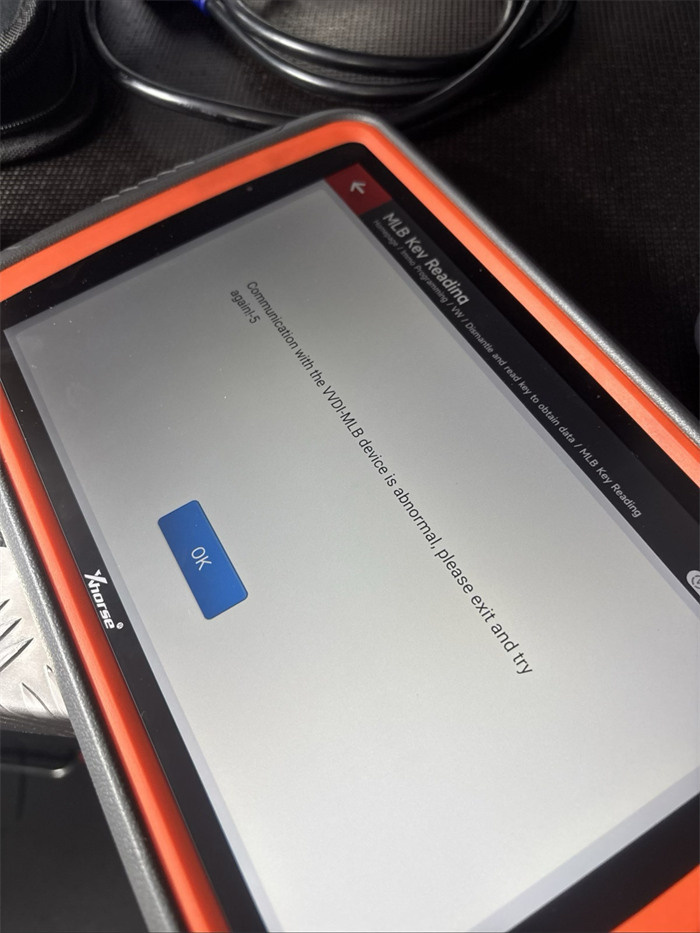
Cause:
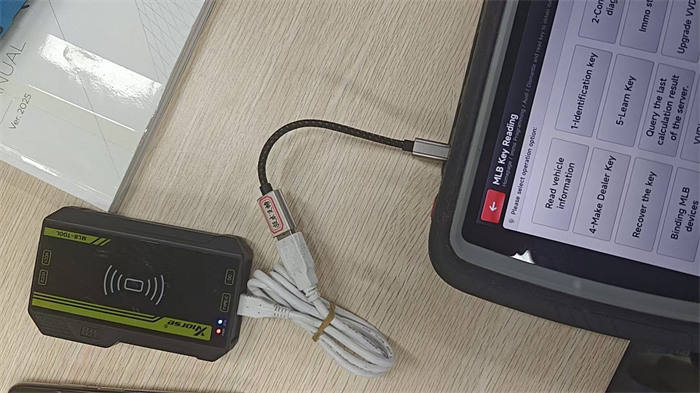
It may connect with wrong cables.
Reversing the cables or omitting the OTG adapter will immediately trigger communication failure.
Solution:
Connect the short USB-OTG cable directly to Xhorse Key Tool Plus Pad, and use the long USB-A to Type-C cable to connect from the OTG cable to the VVDI MLB Tool.
Tech support:
Email: Sales@xhorseTool.com
Skype: VVDI2shop.com
Whatsapp/Tel: +86 15387077565


