Learn how to complete a 2009 Toyota Camry all-keys-lost job using Xhorse Key Tool Max Pro and Dolphin key cutter.
Required Tools:
- Dolphin XP005L Key Cutting Machine(with M5 clamp and 2.0mm cutter)
- XhorseVVDI Key Tool Max Pro
- VVDISuper Chip (or original 4D/72/G chip)
- Key blank with matching FCC ID (e.g., HYQ12BPY)
- Mechanical Key Decoding & Cutting
Remove the door lock cylinder (typically on the passenger side; use the driver side if unavailable).
Read the 5-digit numerical code stamped on the cylinder body (ignore alphanumeric part numbers).
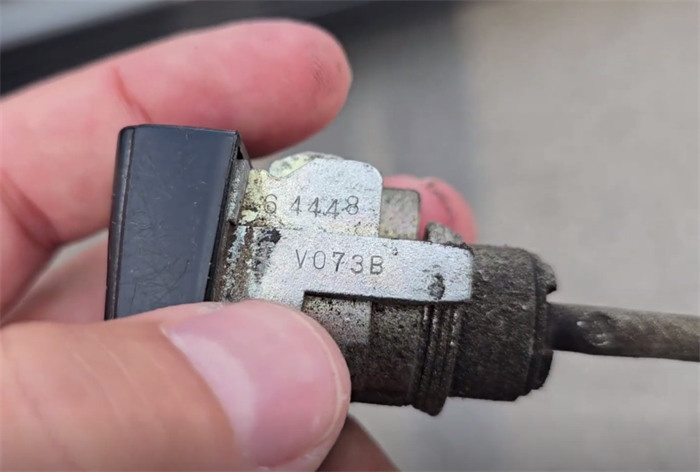
Input the code into the cutting software. Set the M5 clamp to Side A (Position #3 or #4).
Cut the key blade using a 2.0mm or 2.5mm cutter for higher durability.
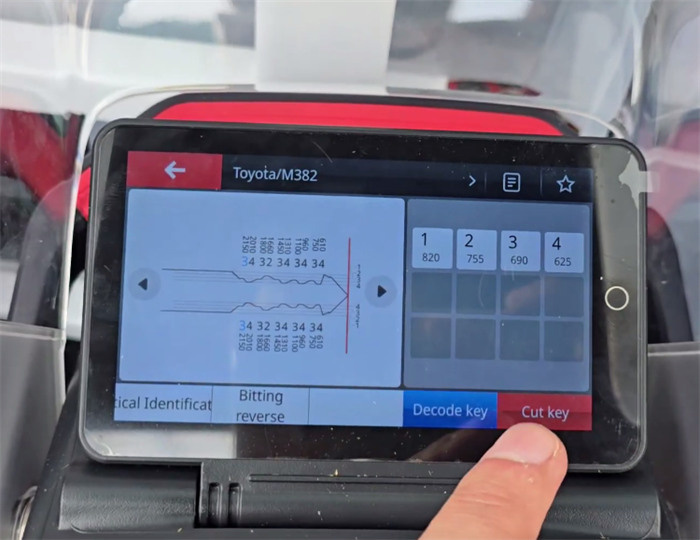
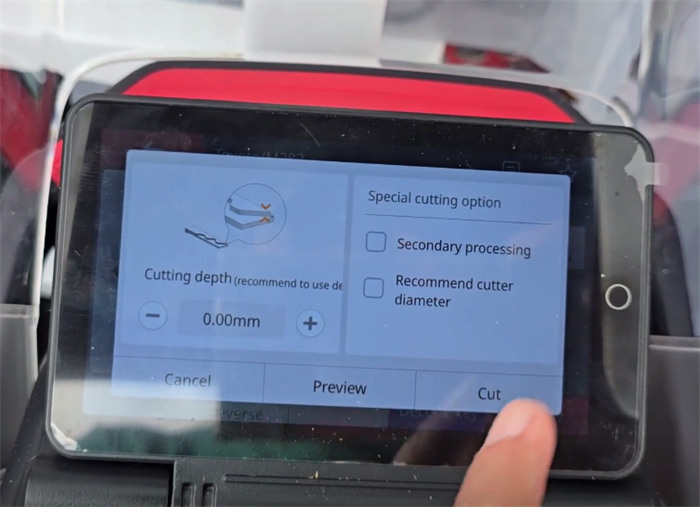
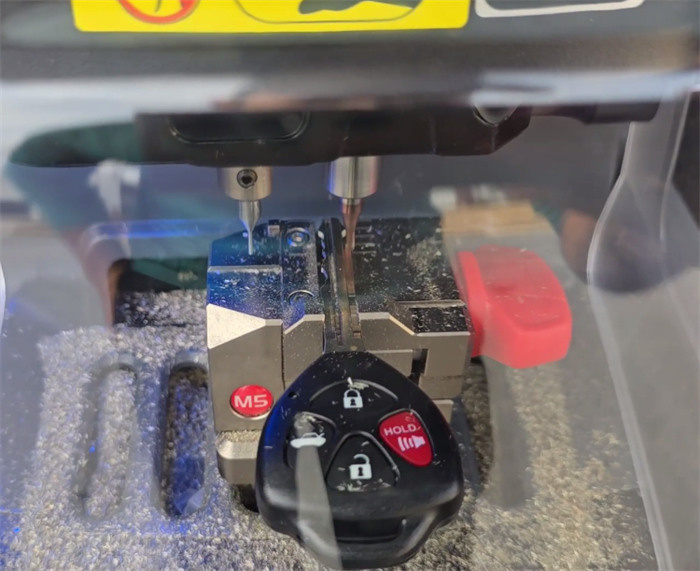
- Transponder Chip Identification & Generation
Note: Camry models from this generation require either a 4D/67 or a 4D/72/G chip. Check the stamp on the original key blade (a “dot” or “G” indicates G-chip system).
If using an Xhorse Super Chip, generate the chip payload before IMMO programming:
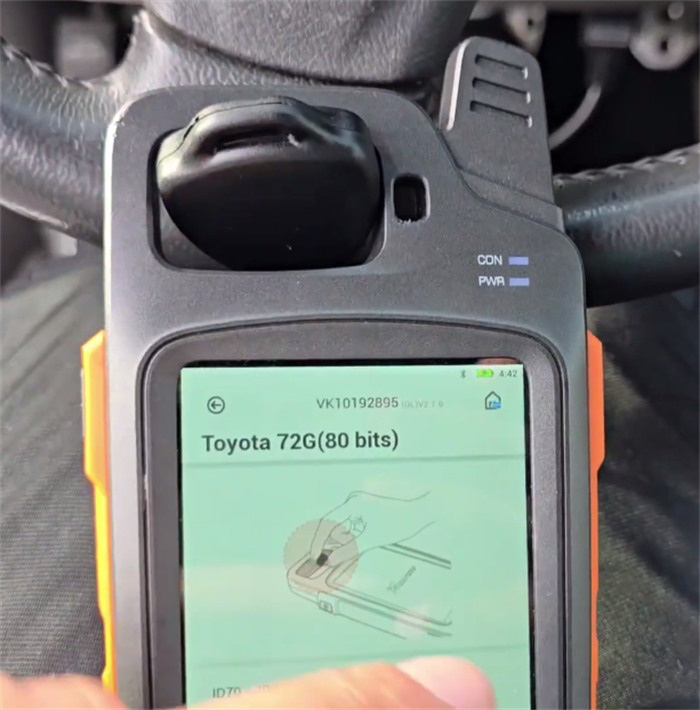
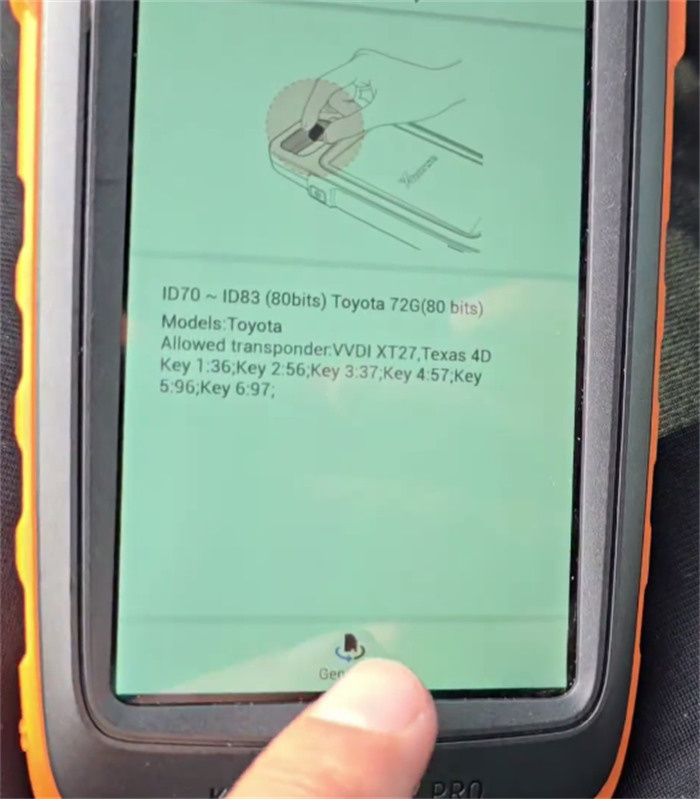
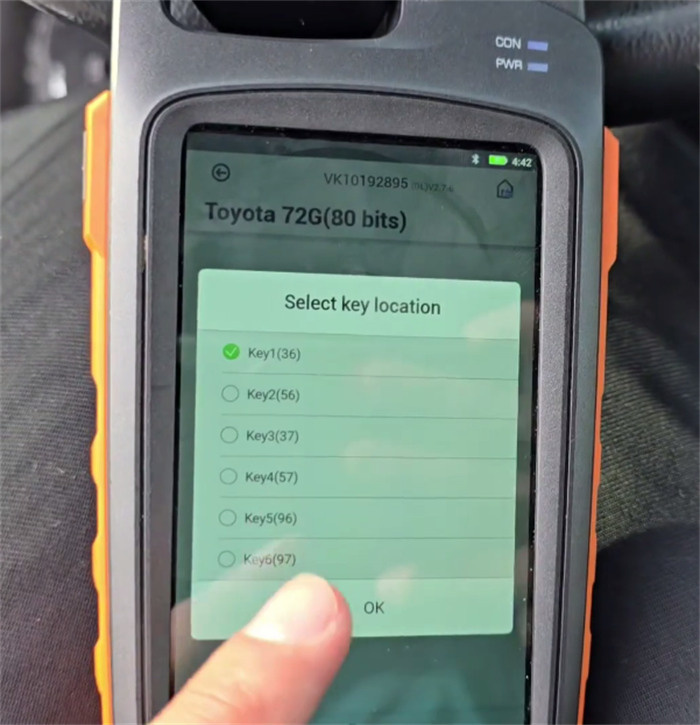
- Open Key Tool Max Promenu: Generate Transponder -> ID70-ID83 (80bits) -> Toyota 72G (80 bits)-> Key 1 (36)
- Place the Super Chip into the coil and press Generate.
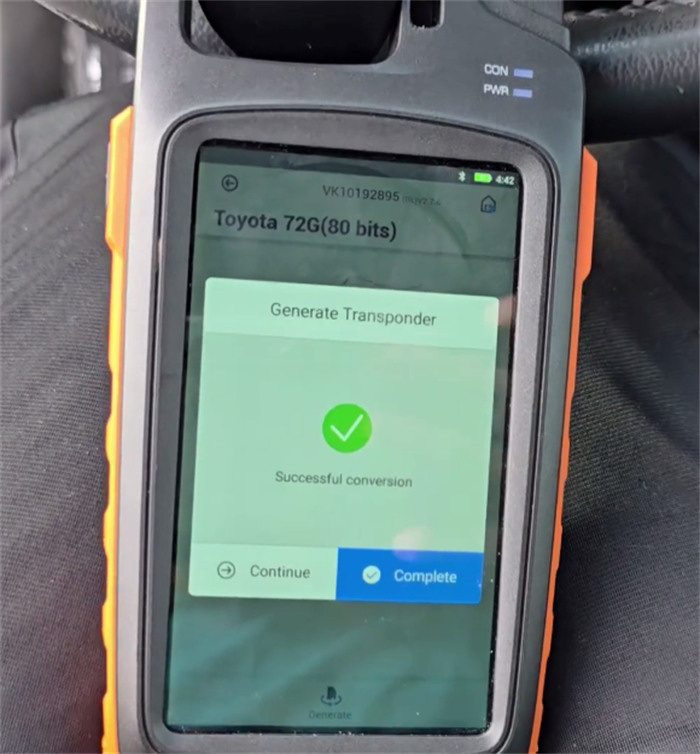
- Immobilizer Programming Procedure
Connect VVDI Key Tool Max Pro to the OBD-II port and turn ignition ON.
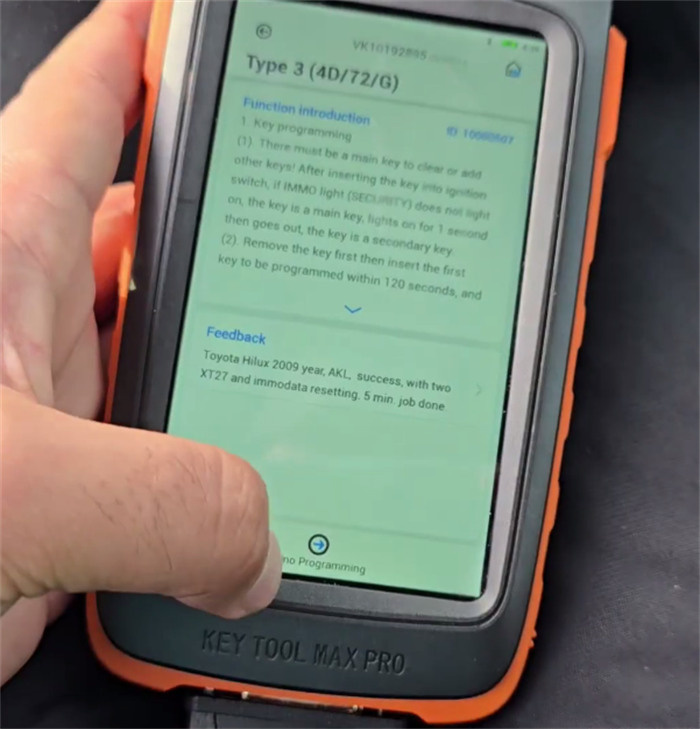
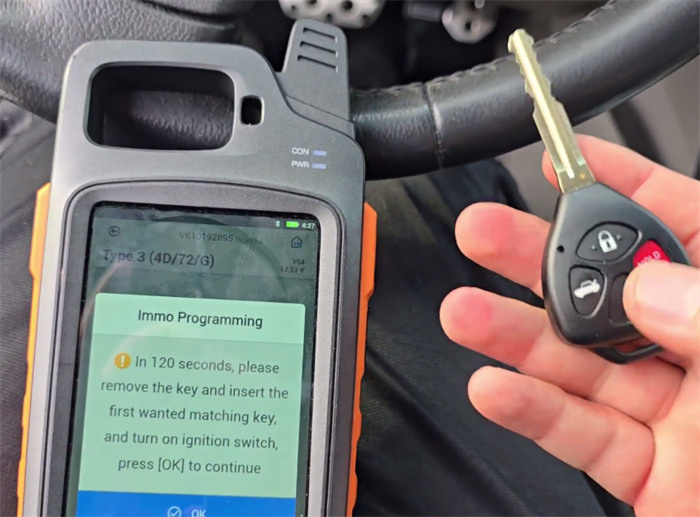
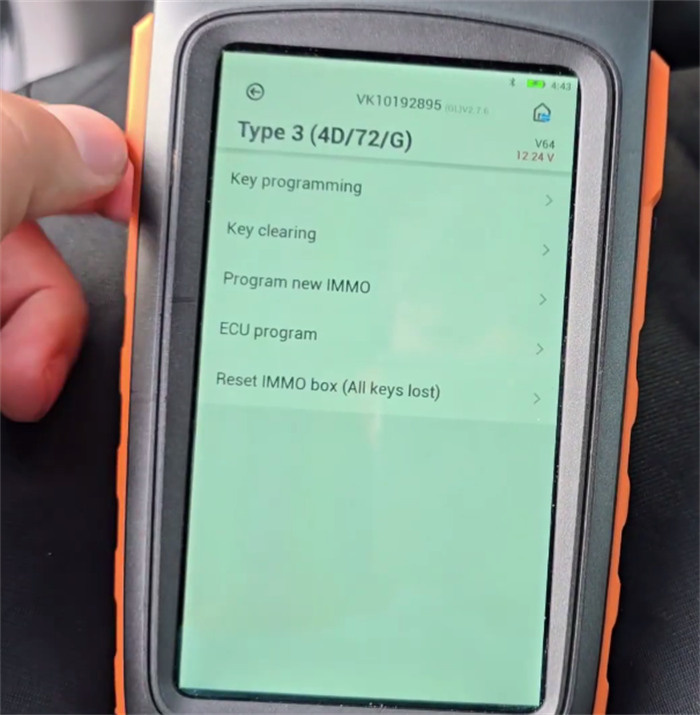
Select Immo programming-> Toyota -> Select by Type -> IMMO System -> Type 3 (4D/72/G)-> Immo programming
Select Reset IMMO Box / All Keys Lost. Ensure vehicle voltage remains above 11V.
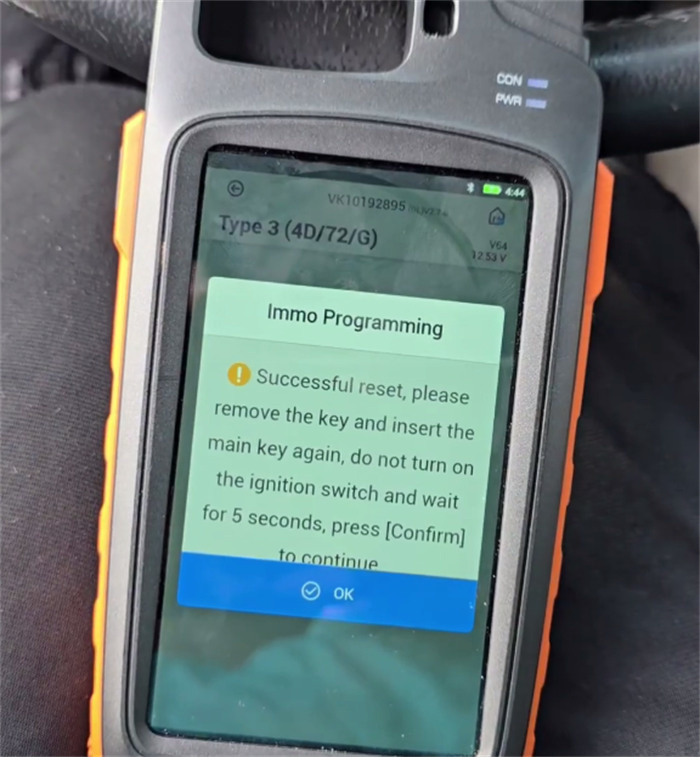
When prompted, insert the generated key and turn ignition ON to reset the system.
Turn ignition OFF and pull the key out.
Re-insert the key into the ignition cylinder, but do not turn ignition ON. Wait 5 seconds.
Switch the key between ON and OFF positions 6 times consecutively.
Verify that the security indicator light turns off, then start the engine.
- Remote Control Matching
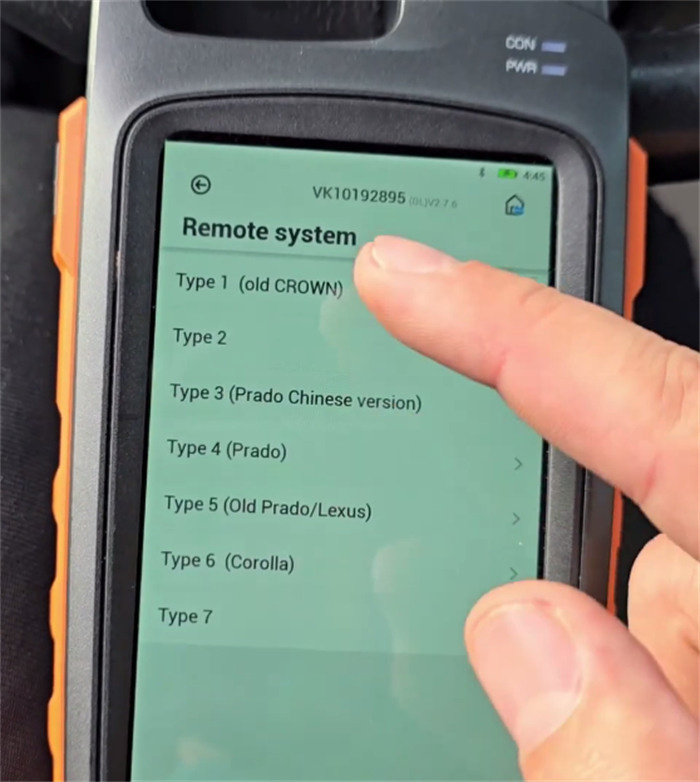
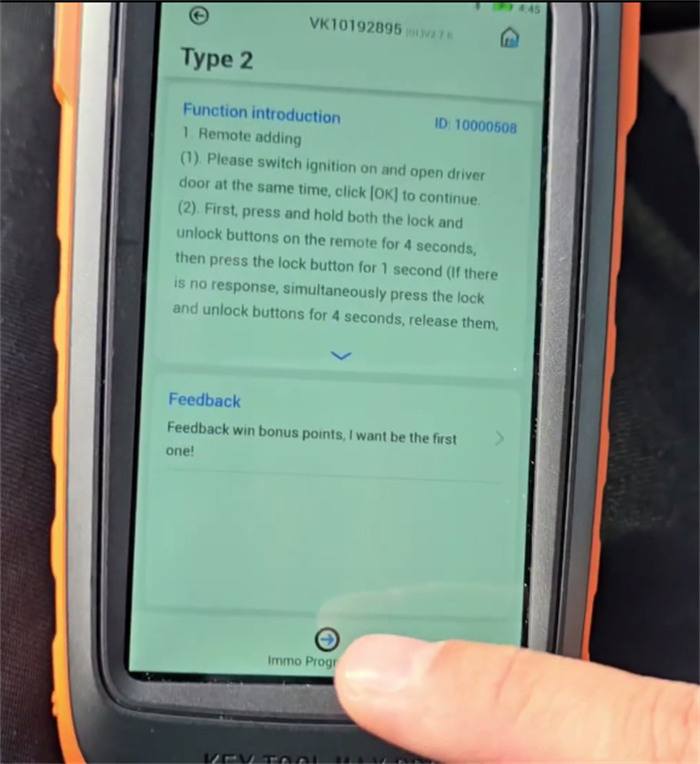
Select Toyota -> Select by Type -> Remote System -> Type 2.
Turn ignition ON and select Remote Adding.
Press and hold LOCK + UNLOCK simultaneously for 1 second, then release.
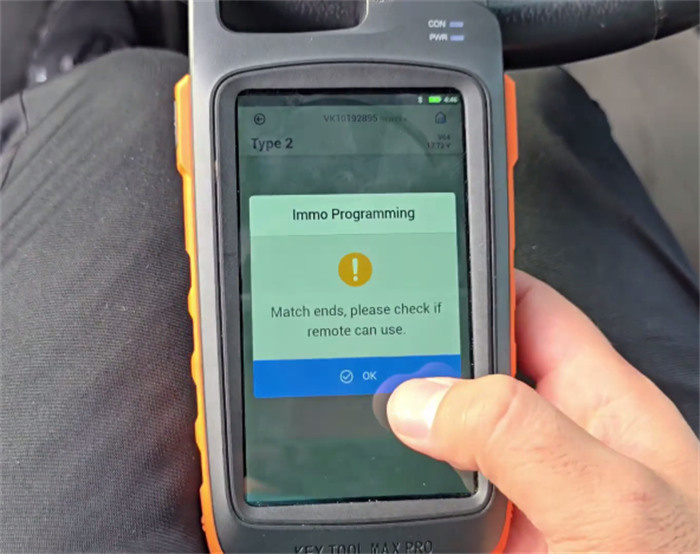
Press LOCK once. The door locks will cycle to confirm successful matching.