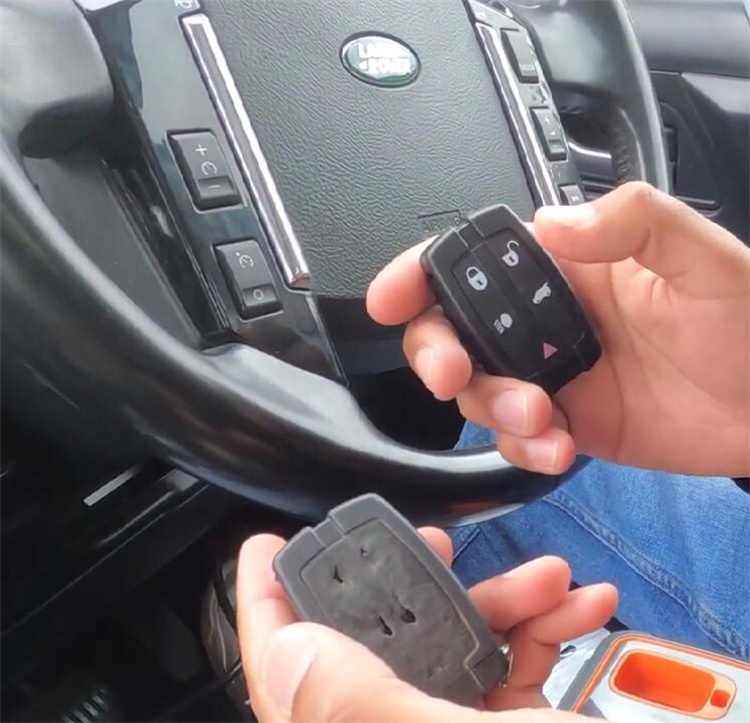
How to program a new key to a 2010 Land Rover Freelander using Xhorse Key Tool MIDI?
Tools Needed:
- Original working key (must start the car)
- Aftermarket replacement remote
- Xhorse Key Tool MIDI Advanced Version
- OBD cable
Step-by-Step Instructions
- Connect Device
Locate the OBD port under the dashboard.
Plug Key Tool MIDI into the OBD port.
- Start Programming Process
On the device, go to: IMMO Programming → Europe → Land Rover → Freelander 2.
Select: Smart Keys Programming (Up to 2012).
Click “Start programming”
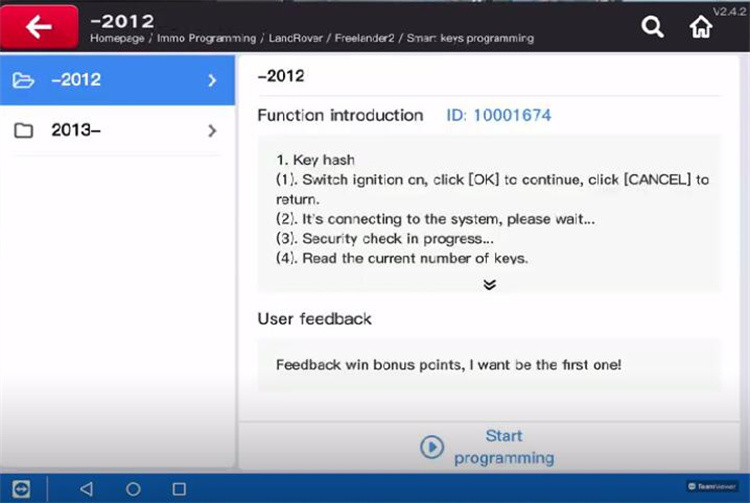
Follow the on-screen instructions and press OK to continue.
- Prepare Original Key
Select “New smart keys added”
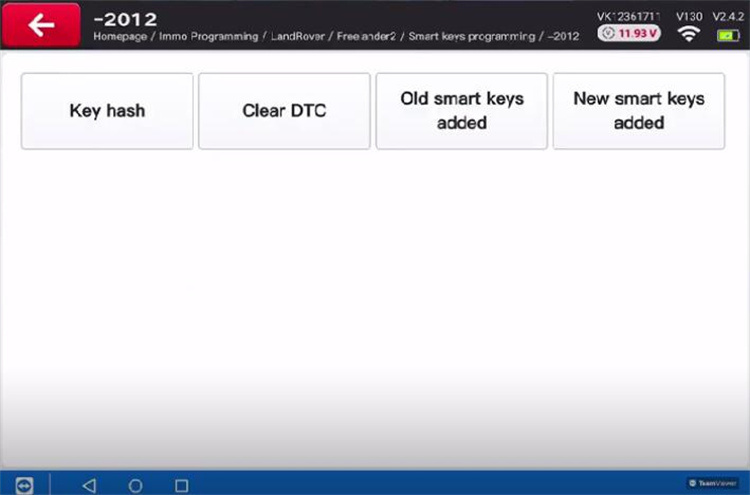
When prompted, push the original working key into the card slot on the device until it locks in place.
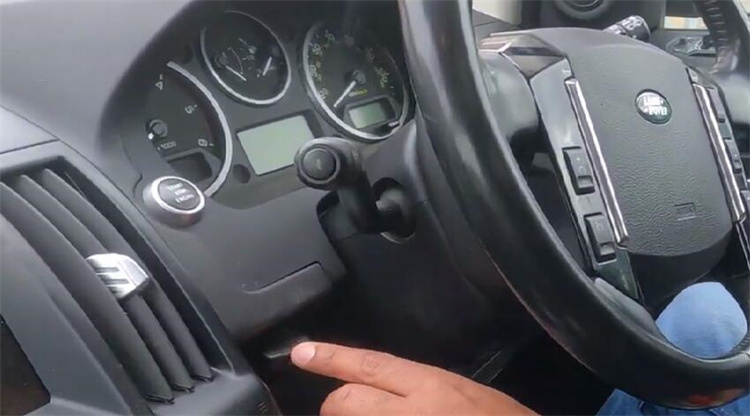
Press OK.
Turn the ignition ON (dashboard lights should come on).
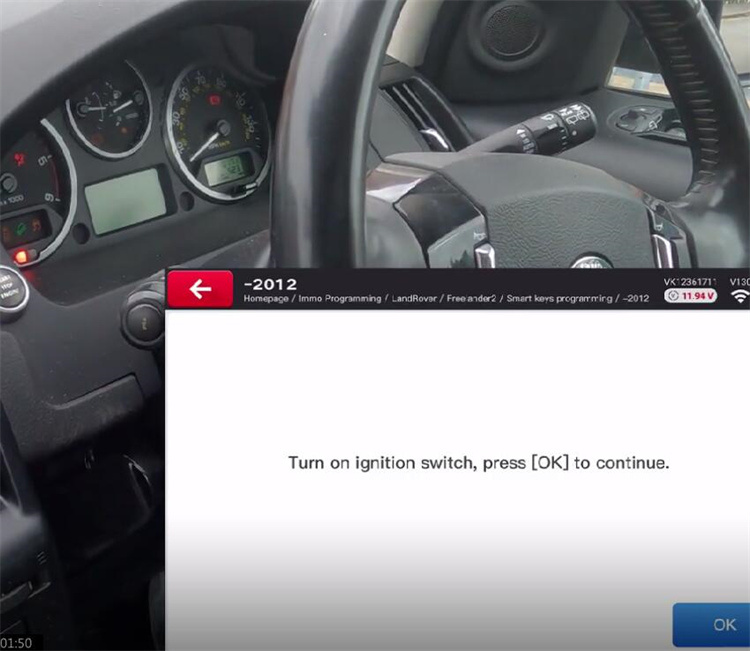
Press OK, then turn the ignition OFF.
Remove the key from the slot and press OK.
- Add New Key
Re-insert the original key into the slot when asked, then press OK.
The device will ask if you want to program another key – select Yes.
- Program New Remote Key
Remove the original key and set it aside.
Take the new key out of its packaging.
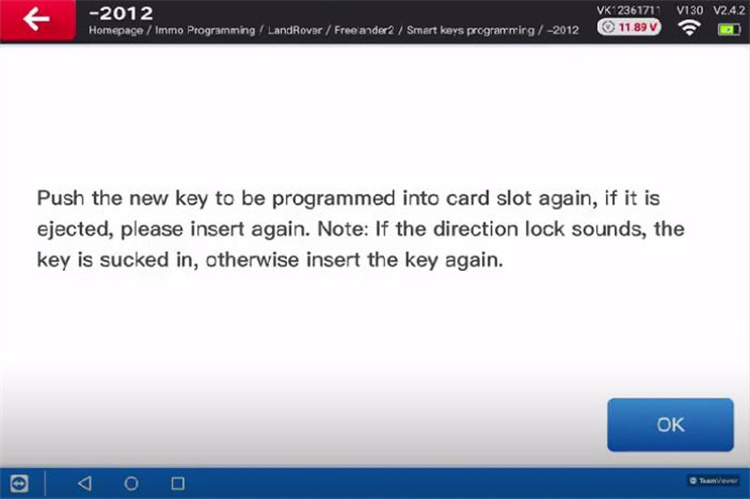
When prompted, push the new key into the slot.
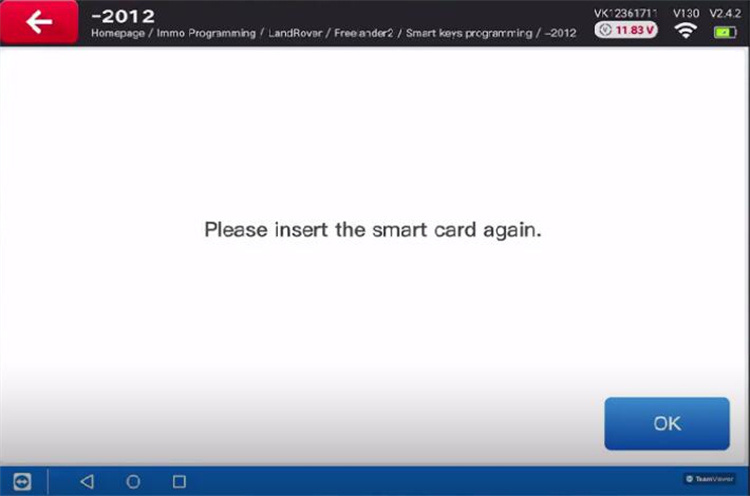
If it is ejected, insert it again until you hear a click and it stays in place.
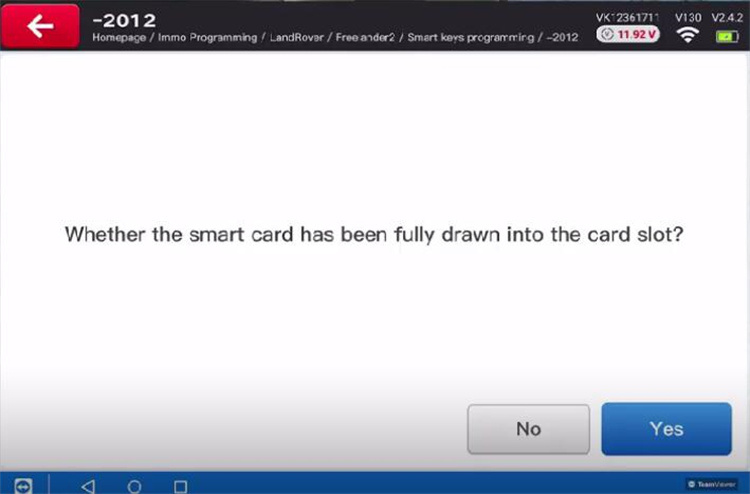
On the screen, confirm that the key has been fully drawn into the slot.
When asked if you want to program another key, select No.
- Complete the Process
Turn the ignition ON.
Press OK to complete the operation.
The device will display “Operation Completed.”
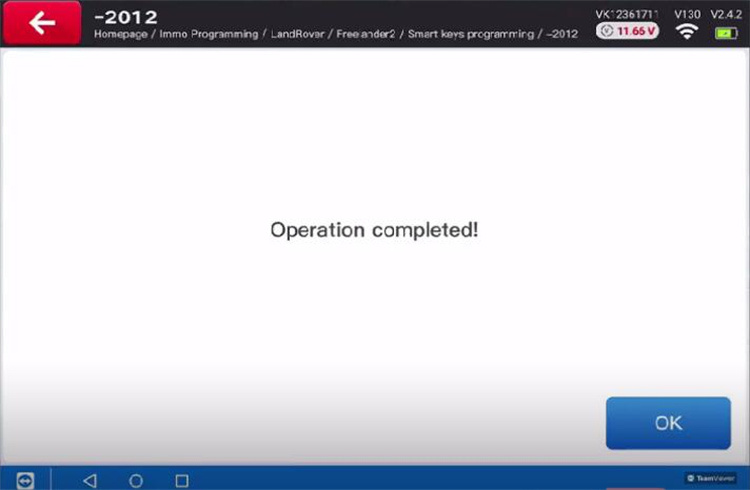


Try starting the vehicle with the new key.
Test the remote central locking:
Press LOCK and UNLOCK on both keys to confirm they work