Good news! Xhorse VVDI Key Tool Plus Pad now can support VW AUDI MQB49 5C/5D key data reading and programming.
Requirements:
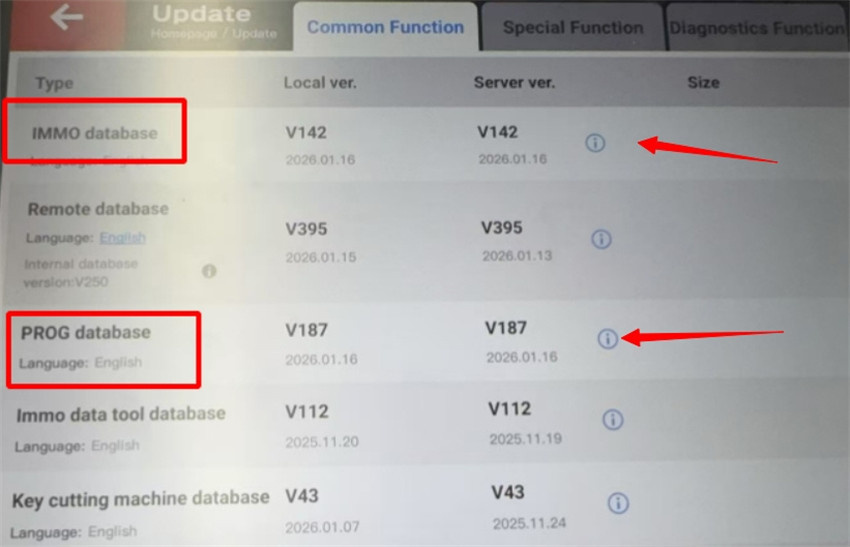
Update your VVDI Key Tool Plus to:
- IMMO database: V142 or newer version
- PROG database: V187 or newer version
Compatible Devices & Keys
1.Supported Tool:
Only Key Tool Plus with an MQB license currently supports 5C/5D key reading.
2.Key Types:
- 5C System: Use Xhorse XS Smart Remote or original key.
- 5D System: Must use original key only.
Step-by-Step Guide:
Step 1: Launch Function
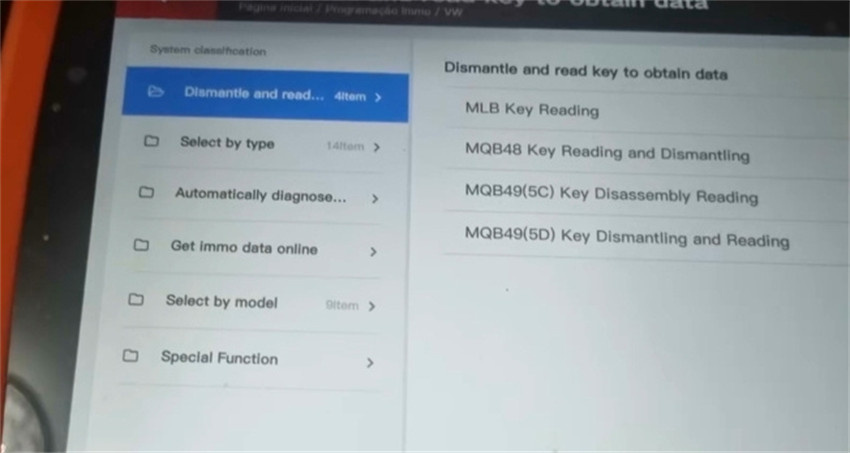
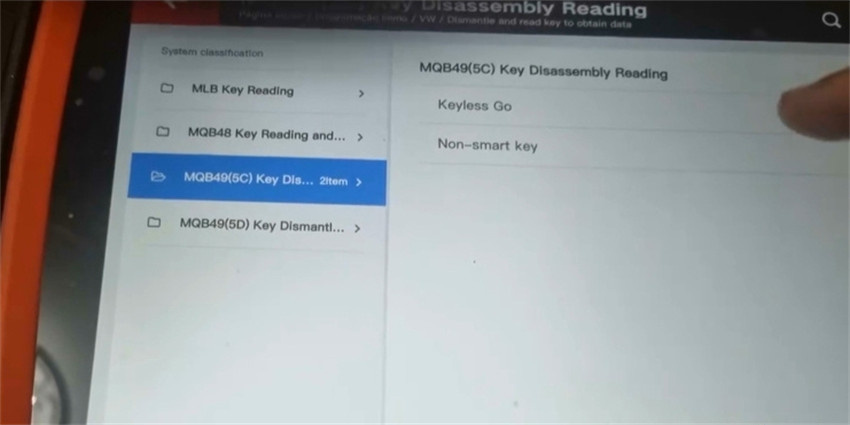
Navigate to IMMO Programming-> VW-> Select by Type-> MQB Instrument-> Dismantle and read key to obtain data
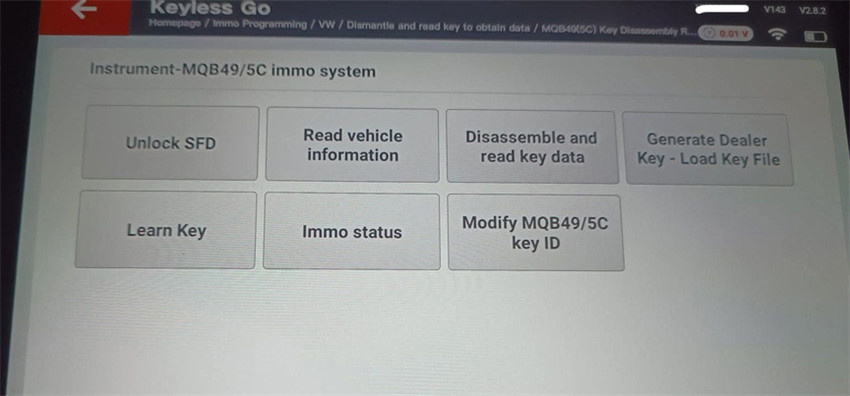
Choose “MQB49 (5C) key disassembly or “MQB49 (5D) key dismantling and reading”
Step 2: Read Original Key Data
Follow the on-screen wiring diagram to connect to original key PCB (Xhorse Solder-free adapter coming soon!)
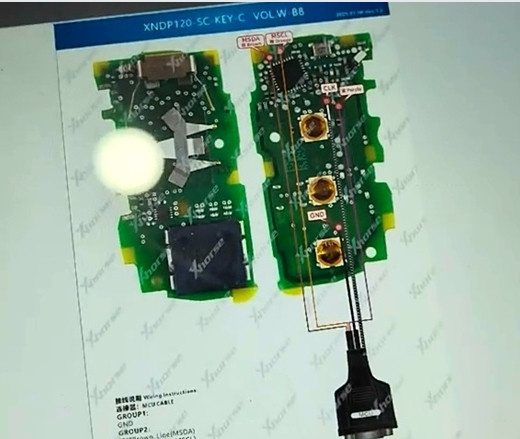
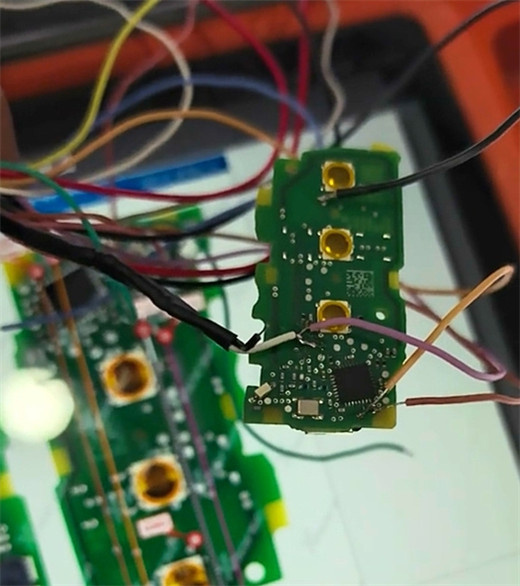
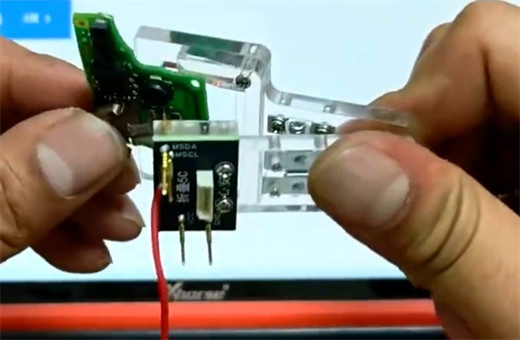
Read and save the key data file.
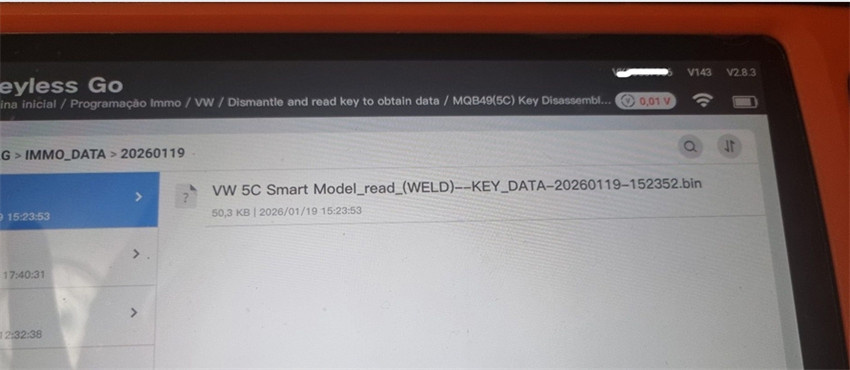
Step 3: Generate Dealer Key
Upload the saved key file to generate a new programmed key.
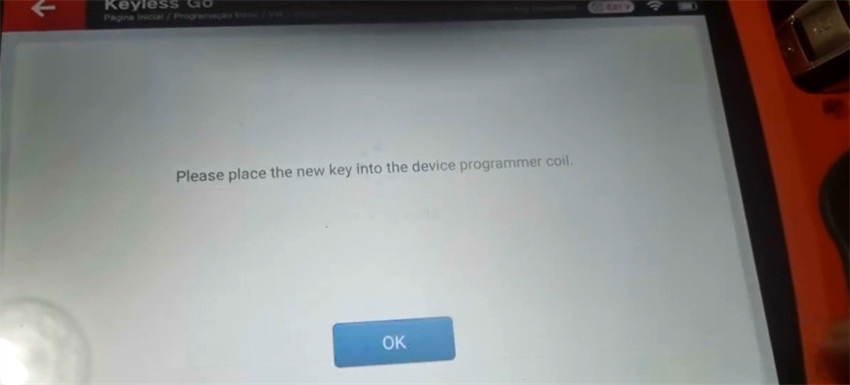
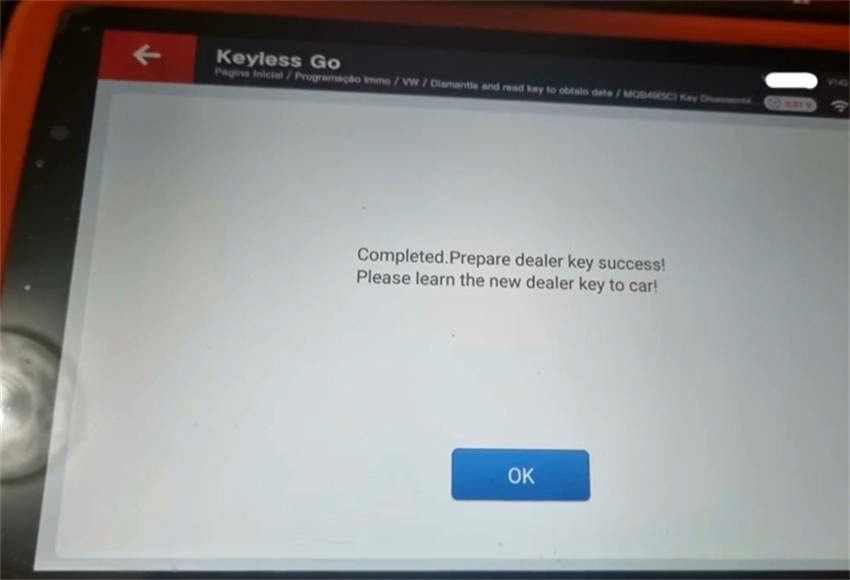
Step 4: Learn Key in Car
Perform in-car key learning.
Note:
Some 2023+ models require SFD Gateway unlocking before learning in car.
FYI…
Xhorse vs.KEYDIY- Quick Comparison
| Feature | Xhorse Key Tool Plus | KEYDIY KD-X4/KD-MAX |
| Key Data Saving | Saves as file; reveals CS & PIN | Generates a service code only |
| Spare Key Support | Yes | Yes |
| All Keys Lost | Not supported | Not supported |
| Key Learning | Uses key file + in-car procedure | Uses service code method |
Why Choose Xhorse?
- Retrieve CS & PIN codes from original key data
- Straightforward file-based workflow
- Regular updates and enhanced MQB support
- Professional-grade accuracy and reliability
Upgrade your key programming capability today with VVDI Key Tool Plus Pad— the professional’s choice for modern VAG diagnostics.
Stay tuned for solder-free adapter release!


