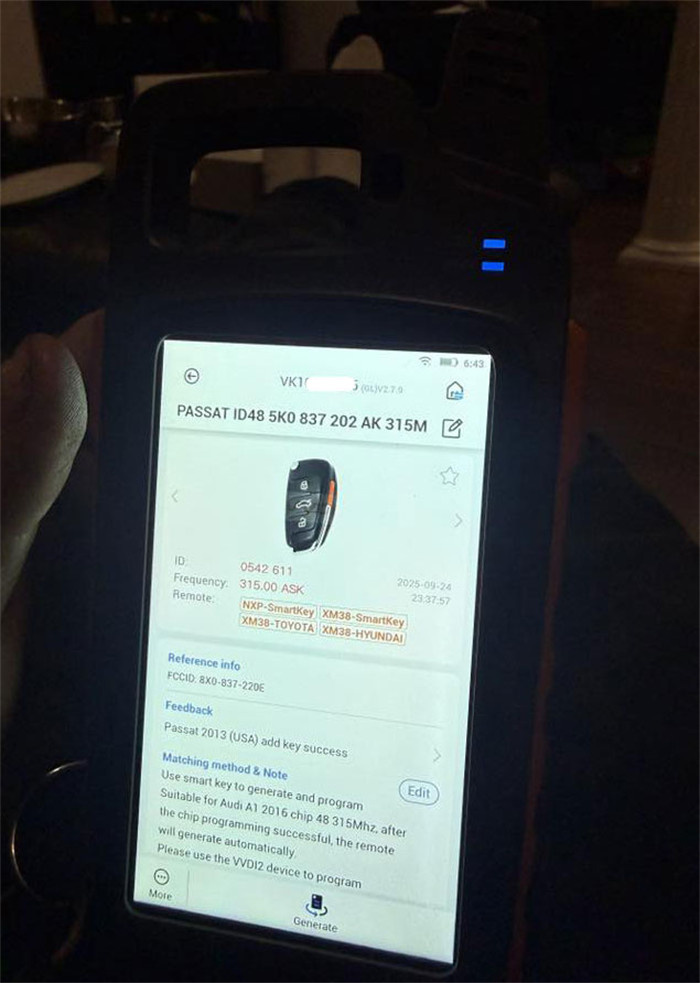
Problem:
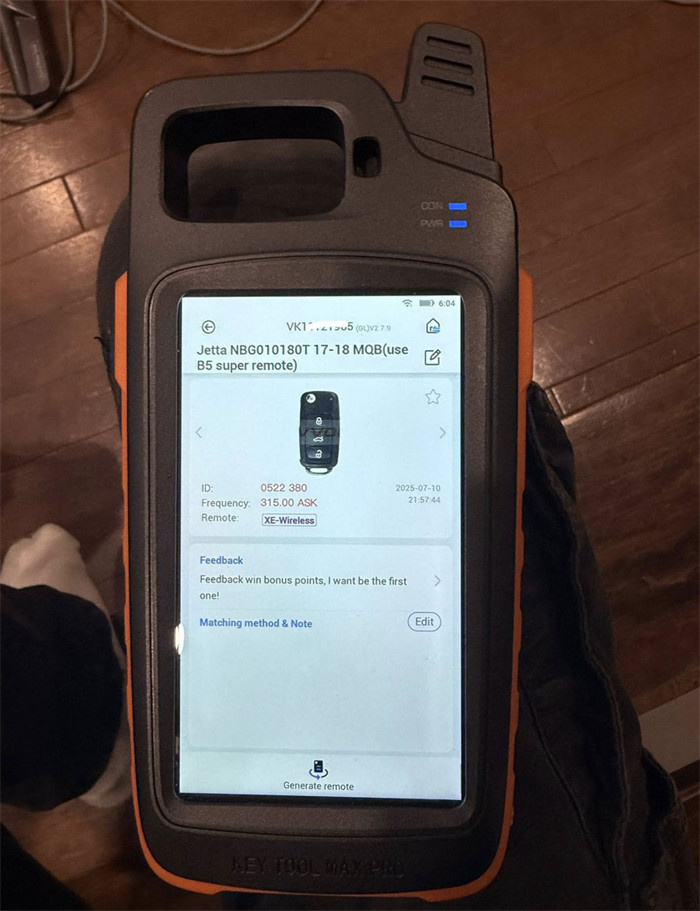
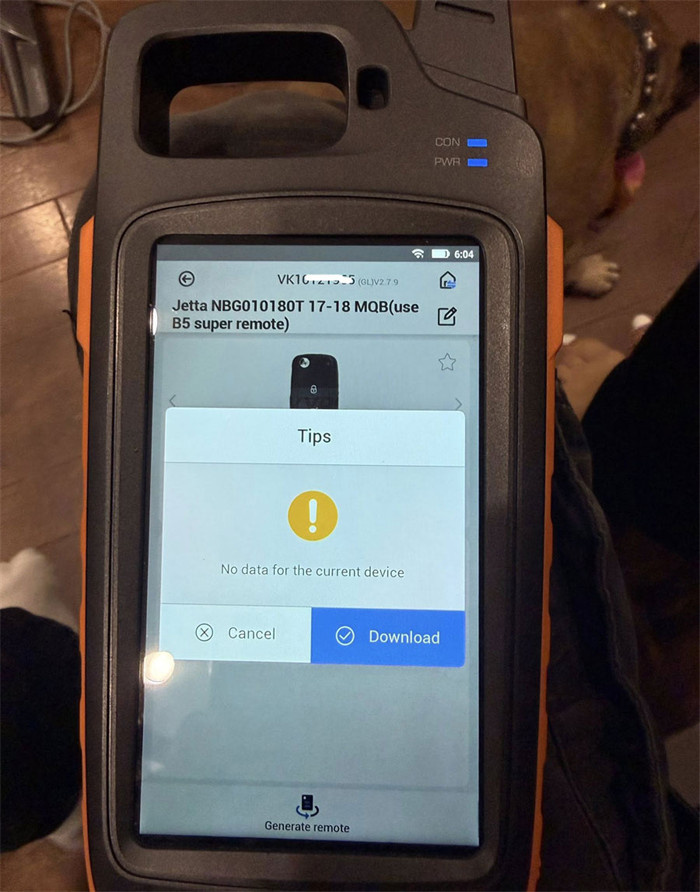
Trying to make a Xhorse B5 Super Remote using Key Tool Max Pro for a 2012 Jetta with Kessy. Immobilizer programming worked—car starts—but the remote is dead. When I hit generate remote, I get “No data for the current device” error.
What’s wrong?
You’ve picked the wrong key.
B5 Super Remote isn’t for Kessy cars. That one is for standard flip keys. For Kessy, you need the Xhorse MQB remote.
Also, the remote you generated is actually for 2017–2018 MQB cars, so it’s the wrong generation entirely.
How to fix it:
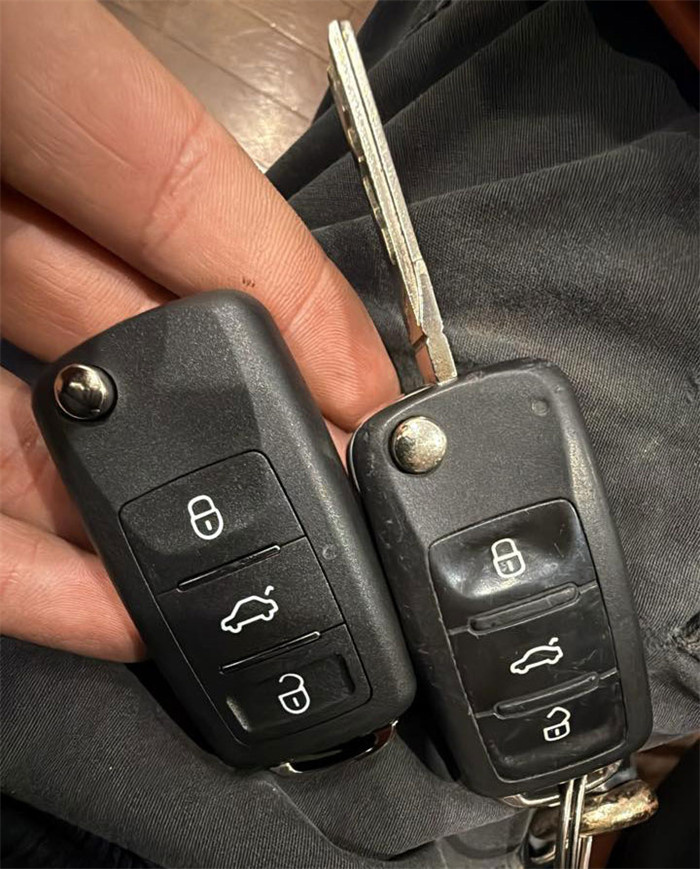
Look at the original key. Find the part number or FCCID on the side. Use that number (format: 859–) to manually search for the correct remote in the software.
Update:
The user confirmed this worked. The correct remote didn’t show up in cloud detection, and the picture in the software was wrong—but searching by part number found it.