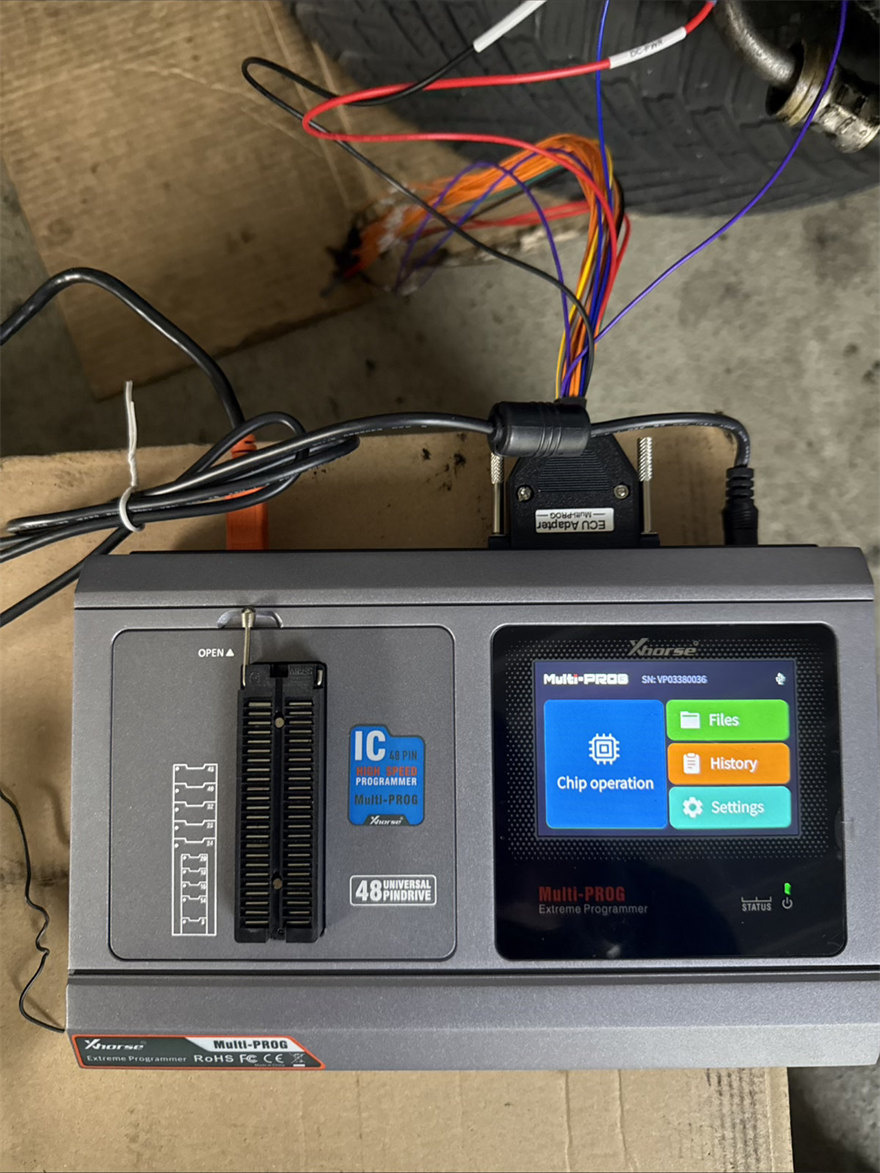
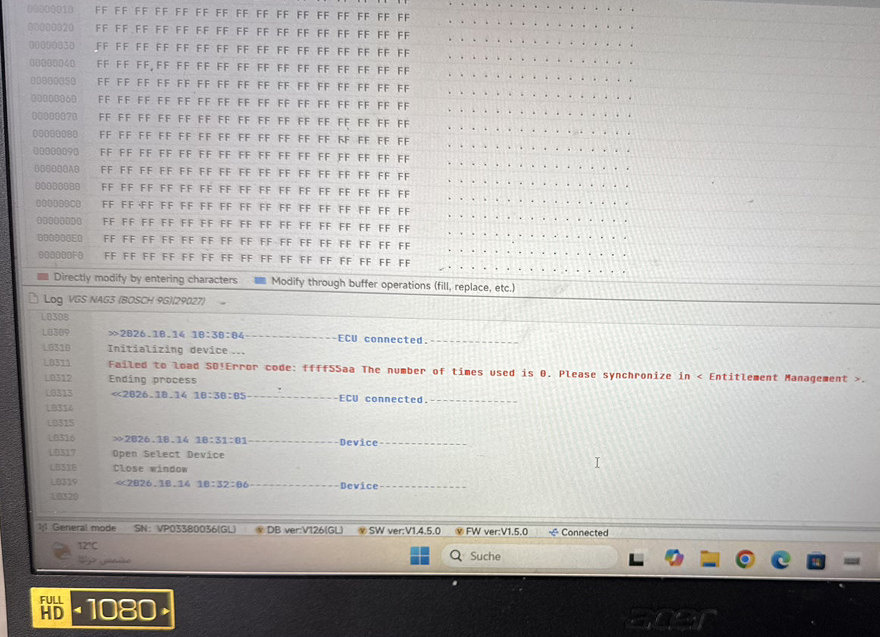
One customer reported that Xhorse Multi-Prog software prompted “Failed to load so! Error code: ffff55aa” when initializing device.
Solution:
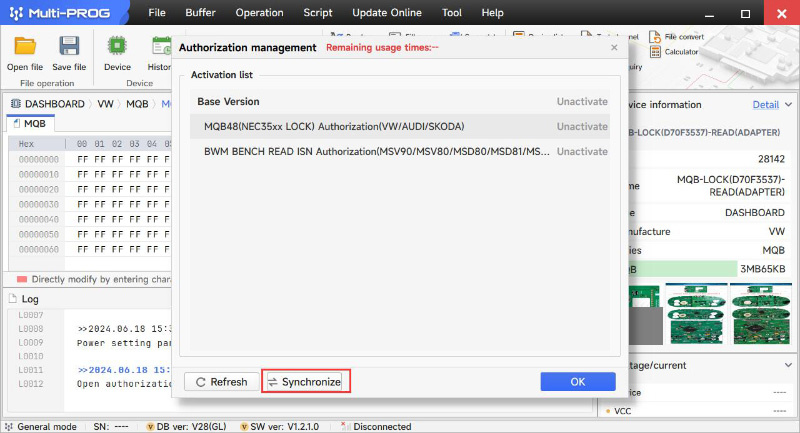
Follow the method below to operate
1.Navigate to the Update Online tab.
2.Go to Authorization Management.
3.Click on Synchronize.
4.Wait for the synchronization process to complete, then retry your operation.
Tech support:
Email: Sales@xhorseTool.com
Skype: VVDI2shop.com
Whatsapp/Tel: +86 15387077565