One customer gave feedback that he bought a used Xhorse VVDI MLB Tool and the device was bound to the previous user. He could not find the unbind option in the software.
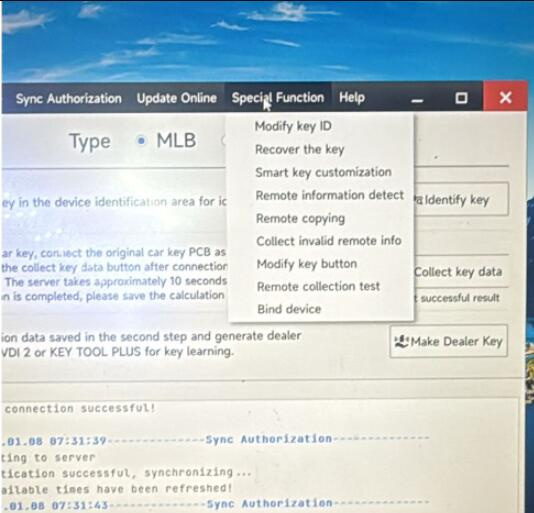
If you have the same problem, you can follow the method below to unbind MLB tool in Xhorse APP.
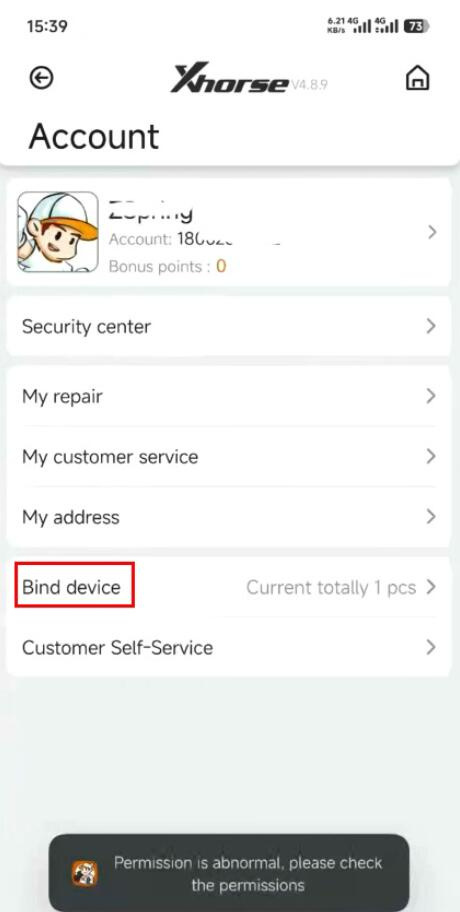
Step 1: Navigate to Account-> Bind device
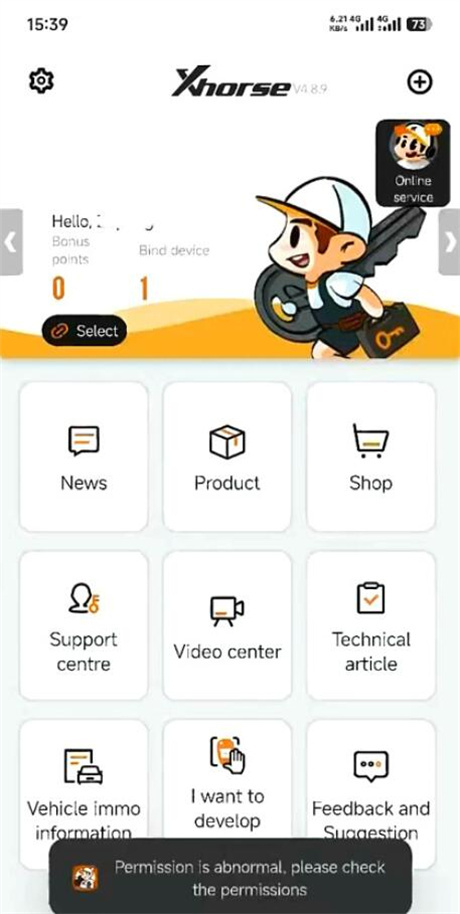
Step 2: Choose the device you want to unbind
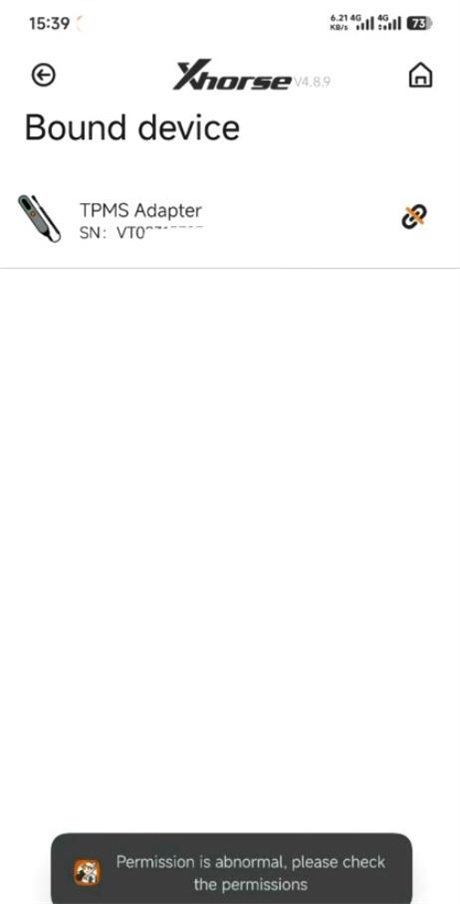
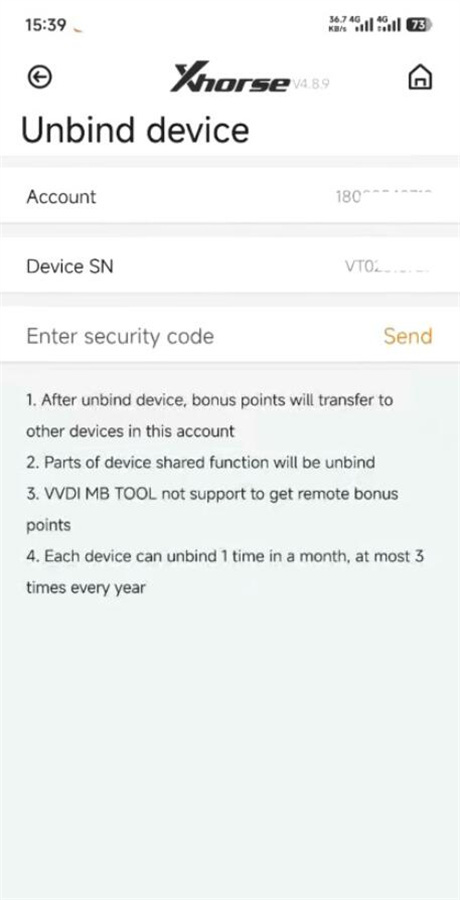
Step 3: Verify the SN of Xhorse MLB Tool and send security code to unbind device
Kindly notice:
1.After unbind device, bonus points will transfer to other devices in this account
2.Parts of device shared function will be unbind
3.VVDI MB TOOL not support to get remote bonus points
4.Each device can unbind 1 time in a month, at most 3 times every year