Xhorse XDKP92GL Motorcycle Adapter is specially designed to support Honda and Yamaha motorcycles equipped with 12PIN, 18PIN, 21PIN, and 33PIN diagnostic connectors.
This guide will walk you through the connection process using VVDI Key Tool Plus Pad for programming Honda motorcycle smart keys.
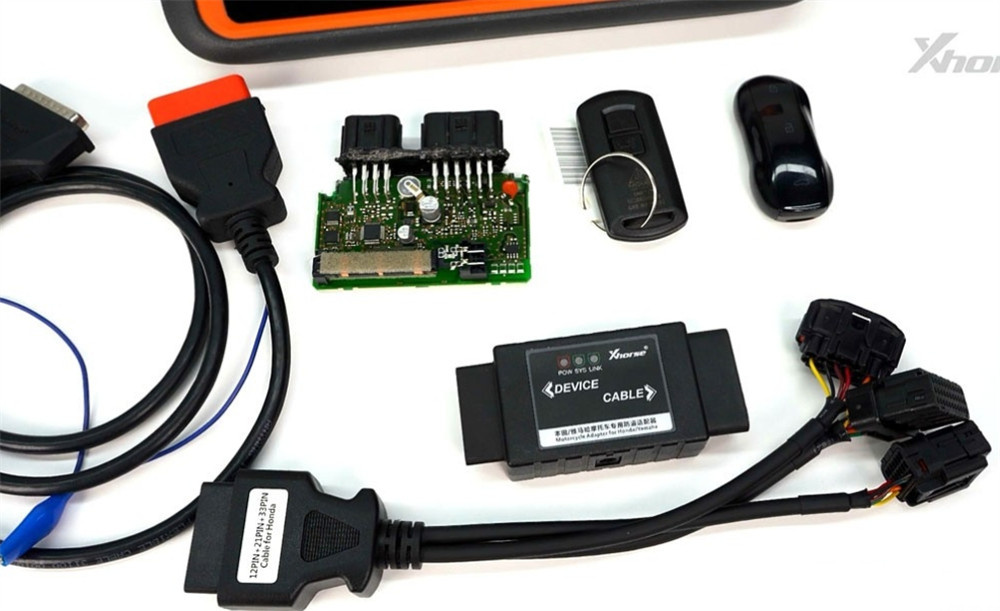
Procedure:
1.Navigate to: IMMO Programming > Motorcycle > Honda
– Select either by system or by vehicle model.
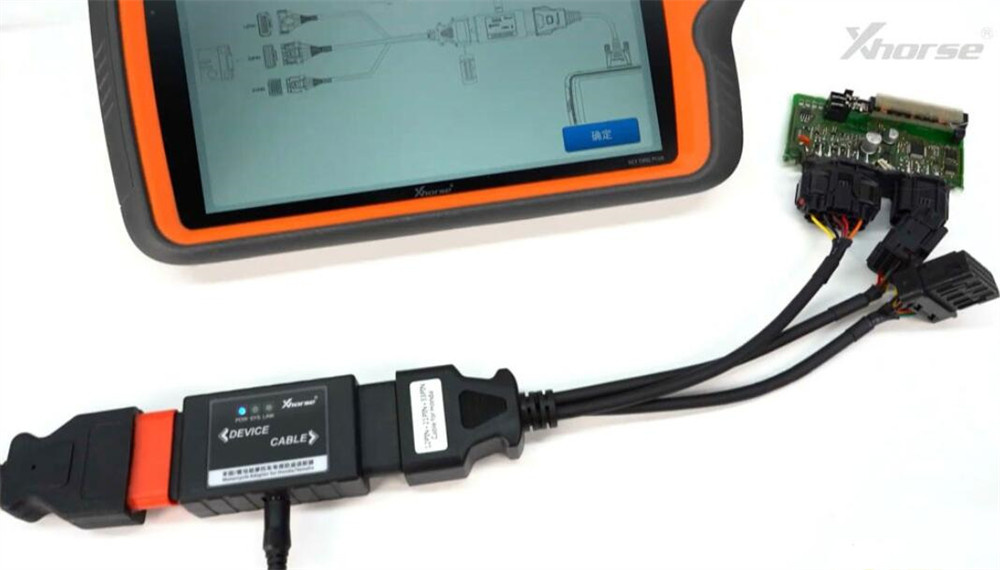
2.Refer to the on-screen connection diagram.
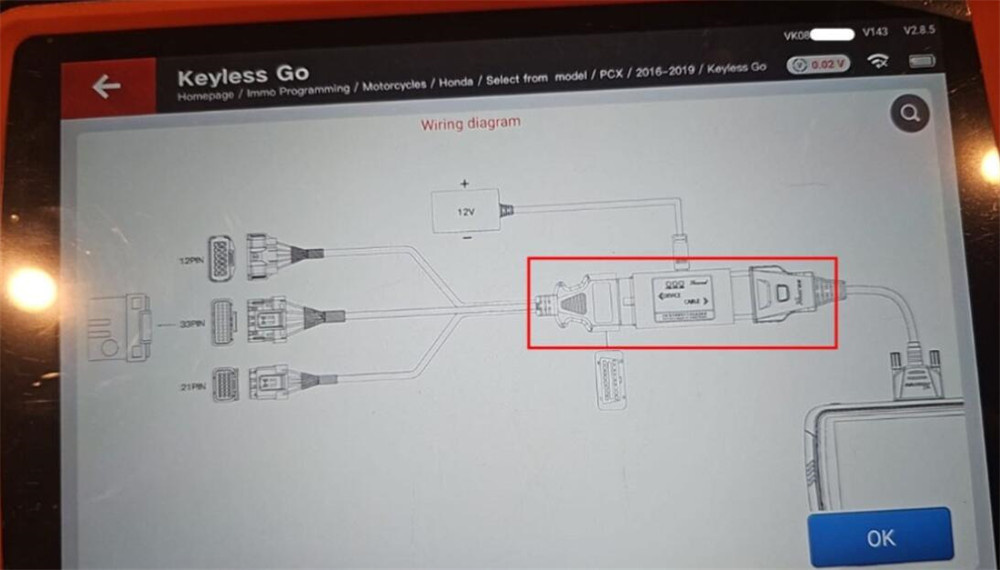
3.Connect XDKP92GL Motorcycle Adapter to the motorcycle’s SCU using 12PIN/33PIN/21PIN connector
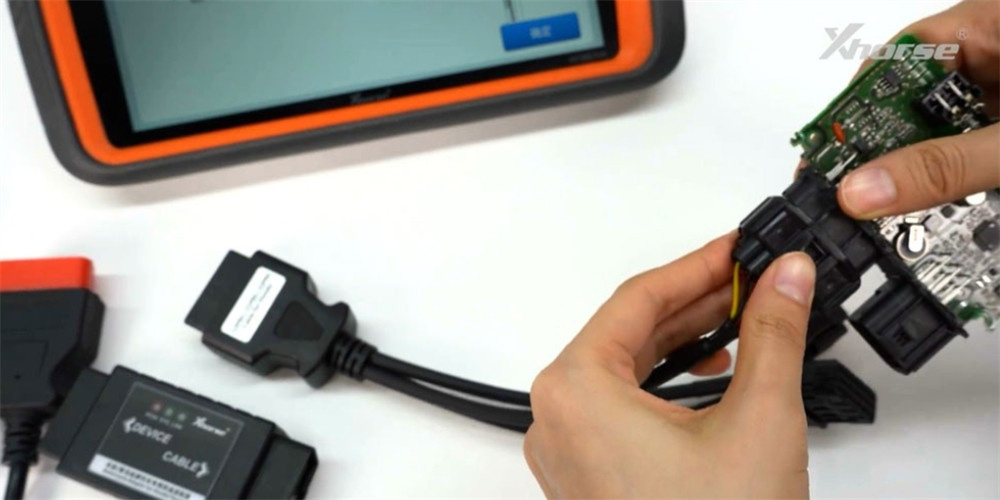
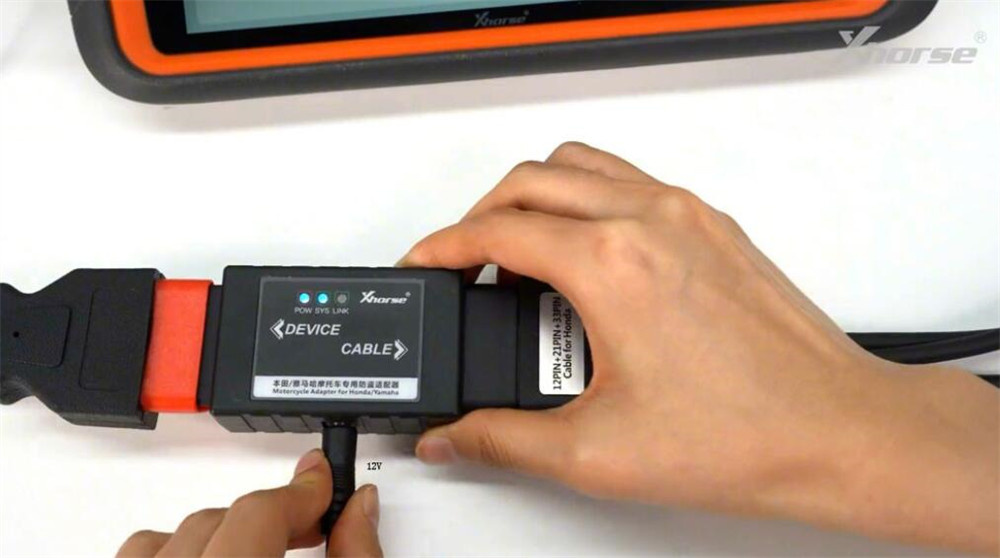
4.Attach the adapter cable to both the motorcycle adapter and the main cable of Xhorse Key Tool Plus.
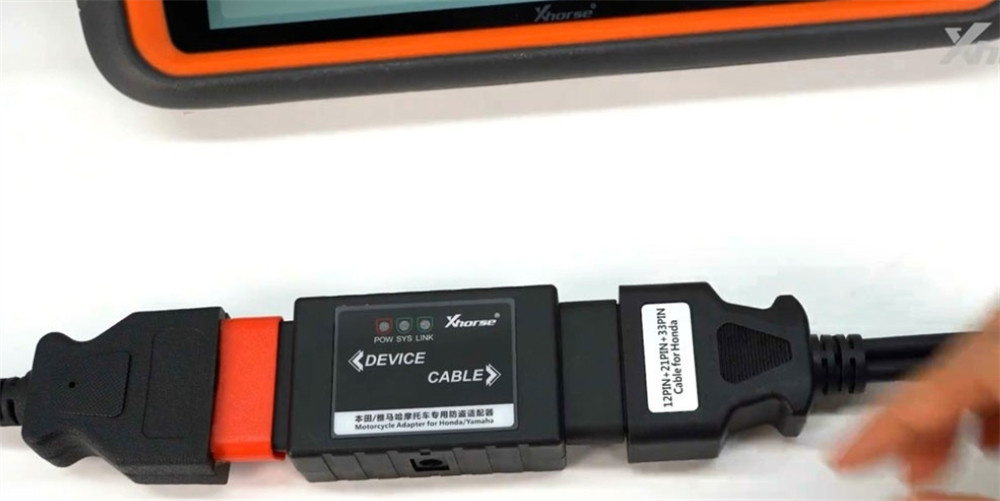
5.Connect a 12V power supply to the motorcycle adapter.
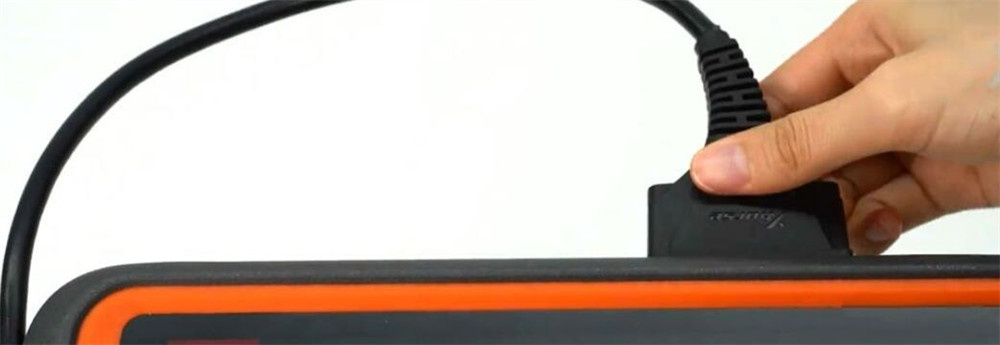
6.Plug the main cable into Key Tool Plus
7.Follow the on-screen prompts on the Key Tool Plus to complete key programming for Honda or Yamaha motorcycles.