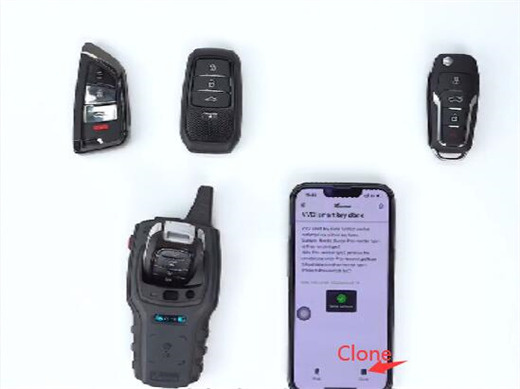
Xhorse VVDI Remote can be used to work with Mini Key Tool, Key Tool Max/Max Pro, Key Tool MIDI, Key Tool Plus, etc for remote identification, diagnosis and cloning. Here are some tips to help you use VVDI Remote easily.
Example:
VVDI Mini Key Tool and smartphone
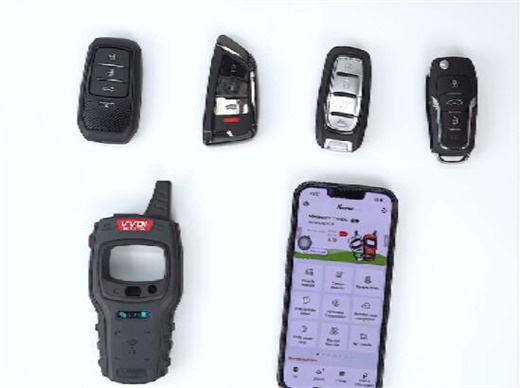
1.Detect remote
Open Xhorse APP
Select Special function-> VVDI remote function-> Detect remote


Place the remote and start detecting
After a few seconds, the remote type and all related info will be displayed on the screen
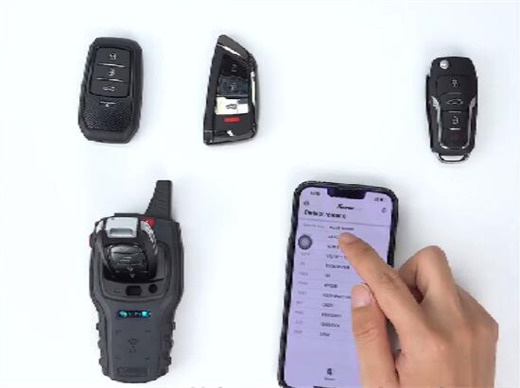
2.Query remote usage
Select “Query remote usage”
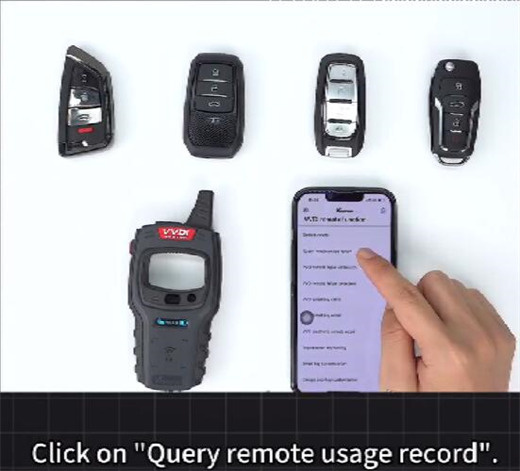
Place remote key into the coil of Xhorse Mini Key Tool
Tap “Common query”
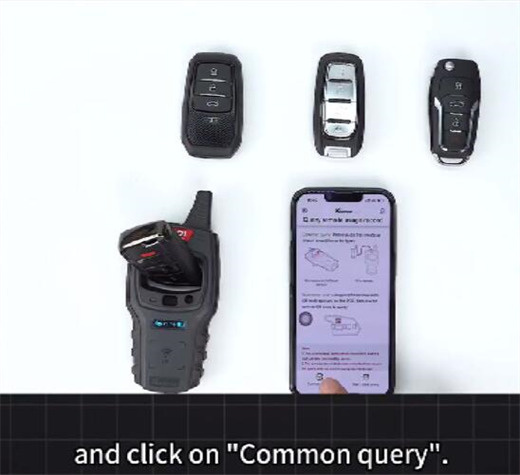
Wait a moment to check the remote’s point collection time and generation time.
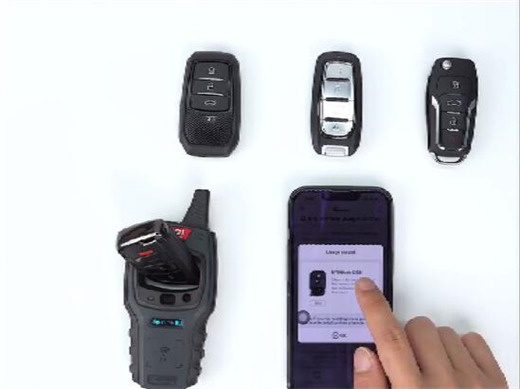
You also can see which option it was previously generated to.

3.Change remote type without key learning
Select “VVDI smart key clone”
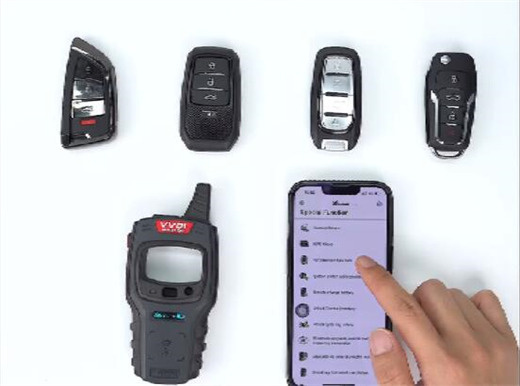
Read the data from the already-matched key
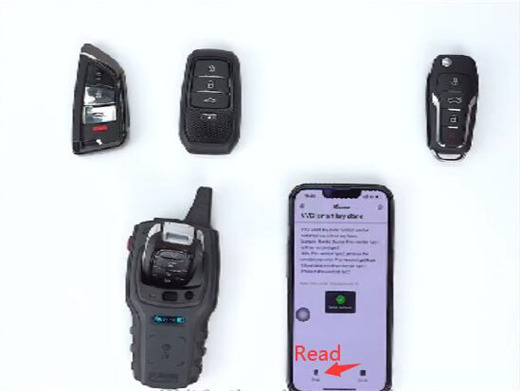
After the key data is read successfully, place another remote into the coil
Click “Clone”
Once the writing is successful, you can use this VVDI remote directly without key learning.